Wireless security cameras have become a normal part of home security. Video doorbells watch front porches, outdoor cameras monitor driveways, and indoor cameras let homeowners check on pets, children, or their property while they are away. Because these devices communicate wirelessly, though, an understandable question comes up: what about WiFi camera radiation? Does a wireless security camera constantly emit radiofrequency electromagnetic fields, or does it mainly transmit when recording, detecting motion, or sending video? The answer is more nuanced than simply saying a camera is either “on” or “off.” Wireless cameras use radiofrequency signals to communicate, but the amount and pattern of that communication can change considerably depending on the camera, its settings, and what it is doing at the time.
Understanding how these cameras operate can help you make more informed decisions about where you install them and whether a wired alternative makes sense in certain parts of your home. You do not necessarily need to remove wireless security cameras to reduce unnecessary RF exposure. In many cases, practical choices involving distance, placement, settings, and the type of camera you purchase can make more sense than worrying about every wireless device in the house.
Do Wireless Security Cameras Emit EMF?
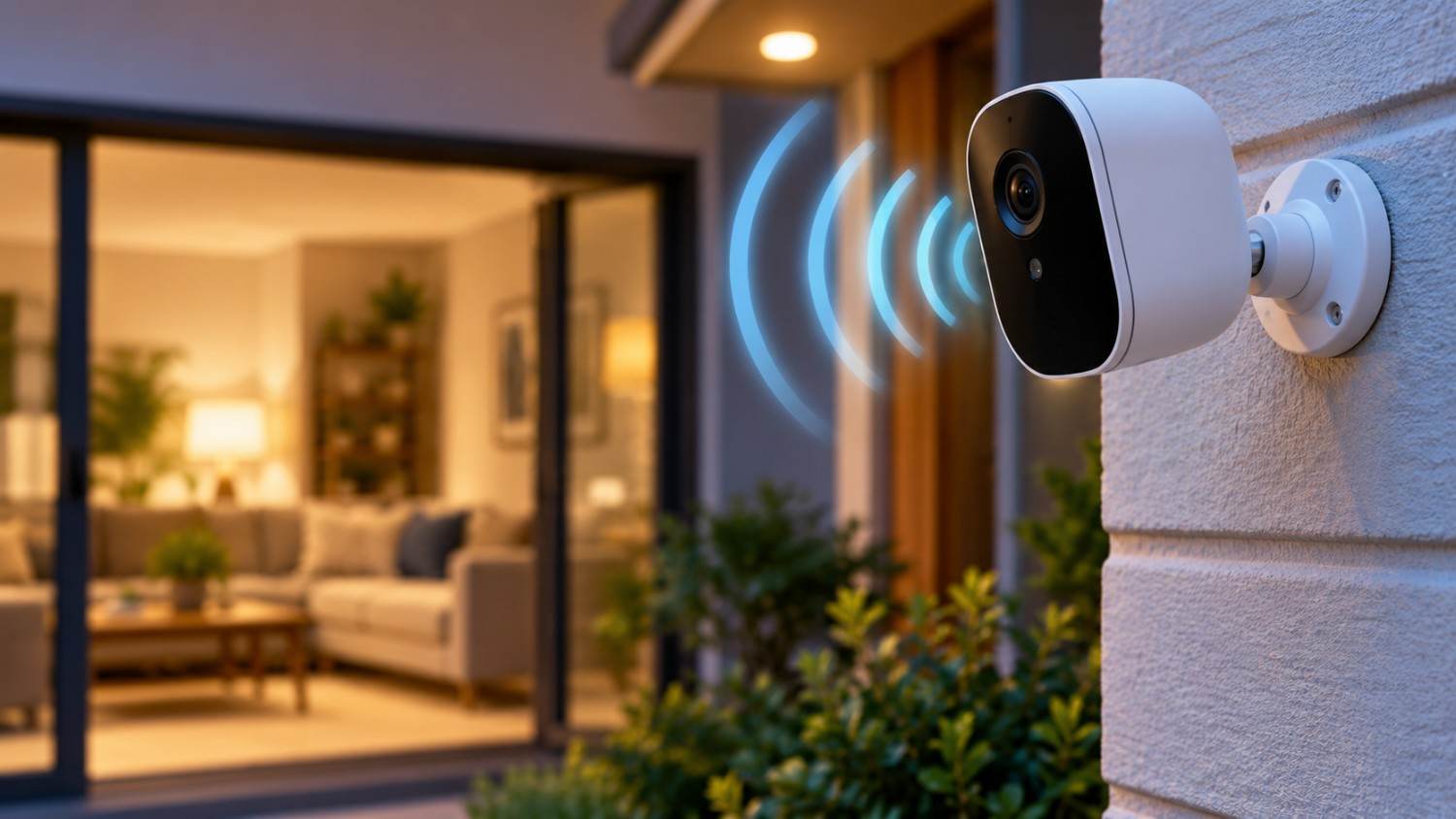
Yes. A wireless security camera can produce radiofrequency electromagnetic fields, or RF-EMF, when its wireless transmitter communicates with another device or network.
Most WiFi security cameras communicate with a home router using the same general wireless technology used by phones, laptops, smart TVs, tablets, and many other connected devices. Depending on the model, a camera may use the 2.4 GHz WiFi band, the 5 GHz band, or support more than one WiFi band. Some devices may also use Bluetooth during setup or for certain functions.
It is important to understand what the word “radiation” means in this context. WiFi uses non-ionizing radiofrequency radiation. This is different from ionizing radiation such as X-rays and gamma rays, which carry enough energy to ionize atoms.
The fact that an RF signal can be detected does not, by itself, demonstrate that the device presents a health hazard. Wireless products sold in the United States are subject to Federal Communications Commission requirements governing RF exposure.
Still, some people prefer to minimize unnecessary RF sources around their homes as a precautionary choice. If that is your goal, understanding when your cameras communicate is much more useful than simply knowing that they contain a WiFi transmitter.
Do WiFi Cameras Emit Radiation Continuously?
This is where the answer becomes more interesting.
A wireless security camera may remain connected to your WiFi network for long periods, but being connected does not necessarily mean that it is continuously transmitting at its maximum possible output.
Wireless devices communicate differently depending on their design and current activity. A security camera may periodically exchange small amounts of information with the network while it is otherwise idle. When something happens that requires significantly more data—such as streaming live video – the amount of wireless activity can change.
This means WiFi camera radiation should not necessarily be thought of as one constant, unchanging signal.
Several activities can cause a camera to communicate over its wireless connection. Before looking at them individually, the important point is that the camera’s activity matters. A camera sitting idle may behave differently from the same camera when you are watching a live 1080p or 4K video stream.
Some common activities that can trigger or increase wireless communication include:
- Maintaining communication with the home network or manufacturer’s service.
- Detecting motion and sending a notification.
- Uploading recorded video to cloud storage.
- Streaming live video to your phone.
- Using two-way audio.
- Downloading firmware or software updates.
- Synchronizing settings or device information.
- Sending thumbnails or event previews.
- Communicating with other components of a security system.
The exact behavior varies considerably between manufacturers and models. That is one reason it is difficult to make a universal statement such as “security cameras transmit constantly” or “security cameras only transmit when they detect motion.”
There is also a major difference between continuous recording and continuous wireless transmission. A camera could potentially record footage locally without constantly uploading all of that footage over WiFi. Another camera may send substantial amounts of video data to cloud storage.
You need to understand how your particular camera stores and transmits its footage before assuming what its wireless transmitter is doing.
Battery Cameras and Plug-In Cameras May Behave Differently
Battery-powered wireless security cameras have another concern manufacturers must address: battery life.
If a battery-operated camera constantly performed every function at full power, its battery could drain quickly. Manufacturers therefore have an incentive to use power-saving features that allow certain components to reduce activity when they are not needed.
A plugged-in camera does not face the same battery limitation. Depending on its design and settings, it may be capable of remaining more active for longer periods.
That does not mean every plugged-in camera constantly produces higher RF levels than every battery camera. There are too many differences among products to make that assumption.
It simply means the camera’s power source, recording method, networking design, and settings can all affect how the device operates.
What Happens When You Open the Camera App?
One of the easiest ways to understand wireless camera communication is to consider what happens when you open your security camera application.
Imagine that an outdoor camera has been sitting above your garage without anything happening. The device may still maintain network connectivity, but it may not need to continuously send a high-bandwidth video stream.
Now you receive a motion notification.
You open the app and select Live View.
The camera suddenly needs to deliver a video feed. Depending on the system, video data may travel from the camera through your home network and potentially through the manufacturer’s servers before reaching your phone.
That requires data transmission.
If you activate two-way audio, additional information must be exchanged.
The same principle can apply when a camera detects movement and uploads an event to cloud storage. The camera may need to transmit recorded video rather than simply maintaining its network connection.
Instead of asking only, “Is my camera turned on?” a better question is:
“What is my camera doing right now?”
That provides a much more useful way of thinking about wireless activity.
WiFi Security Cameras vs. Wired Security Cameras
If your goal is to minimize wireless transmitters around your home, a wired security camera system is worth considering.
Traditional wired cameras and modern Ethernet-based cameras can transfer video without relying on WiFi. One particularly useful technology for permanent installations is Power over Ethernet, commonly called PoE.
A PoE security camera can receive electrical power and transmit data through an Ethernet cable. This can eliminate the need for that camera to use WiFi for normal network communication, provided its wireless features are disabled or absent.
Wired systems have advantages beyond reducing reliance on WiFi. They can provide stable network connections and may be appealing for homeowners installing multiple permanent outdoor cameras.
There are tradeoffs, however.
Running Ethernet cables through walls, attics, basements, or exterior areas can be considerably more complicated than mounting a wireless camera and connecting it to your existing WiFi network. Professional installation can also increase the initial cost.
For many homes, a mixed system could make sense.
You might use wired cameras for permanent locations where running Ethernet is relatively easy while keeping a wireless video doorbell or another WiFi camera where wiring would be difficult.
You do not necessarily have to choose between an entirely wireless house and an entirely wired house.
Does Distance From a WiFi Camera Matter?
Distance is an important concept when considering RF exposure.
In general, RF field strength decreases as you move farther away from a transmitting source. Real homes are more complicated than an open laboratory environment because walls, furniture, building materials, antennas, reflections, and other wireless signals can influence measurements.
Still, distance provides a useful practical strategy.
Think about two very different camera installations.
One security camera is mounted outside your home, approximately 10 feet above the driveway. You occasionally walk underneath it when leaving the house.
Another camera sits on a nightstand two feet from your pillow and remains there every night.
Those are very different exposure situations simply because of the distance and the amount of time you spend near the device.
For someone interested in reducing unnecessary WiFi camera radiation, this is why I would pay more attention to an indoor camera positioned very close to a bed, desk, or favorite chair than an outdoor camera mounted high on the side of the house.
You can often increase distance without sacrificing the camera’s purpose.
Where Camera Placement Matters Most
Wireless cameras can provide real security and convenience, so reducing RF exposure does not have to mean removing every camera from your home. Instead, look at where each camera is located in relation to where people spend significant amounts of time.
Bedrooms deserve particular consideration because people remain in roughly the same location for many hours while sleeping. If you need a camera in a bedroom or children’s room, consider whether it really needs to sit directly beside the bed.
A camera across the room may provide the same view while creating considerably more distance between the person and the wireless device.
Home offices are another good example. An indoor camera sitting next to your computer could remain within a few feet of you throughout an eight-hour workday. Moving it farther across the room may still provide the security coverage you need.
The same reasoning can be applied to pet cameras and indoor monitoring cameras positioned around sofas, recliners, desks, and other frequently occupied areas.
Outdoor cameras generally provide more flexibility. A camera mounted above a garage, on an exterior corner, or over a doorway is naturally separated from people much of the time.
The objective is not to create the greatest possible distance from every wireless device. It is to look for easy changes that reduce unnecessary proximity without making your security system less useful.
Practical Ways to Reduce WiFi Camera EMF
If you prefer a precautionary approach to wireless exposure, there are several reasonable steps you can take without abandoning home security technology. The best strategies tend to be simple ones that do not interfere with the primary reason you bought the cameras in the first place.
Increase distance when practical. You may not need an indoor camera sitting directly beside the location where you spend hours every day. Even moving the camera farther across a room may allow it to provide the same coverage.
Avoid placing cameras immediately beside beds. If a bedroom camera is necessary, consider whether it can be mounted farther away while still capturing the area you need to monitor.
Consider Ethernet or PoE cameras. If you are building a new system or renovating your home, running Ethernet to permanent camera locations can reduce the number of devices that need WiFi connections.
Review your recording settings. Determine whether your camera records continuously, records only after events, stores footage locally, or uploads footage to the cloud. These settings can affect how the camera communicates.
Avoid unnecessary live viewing. There is nothing wrong with checking your camera when needed, but leaving a live stream running when nobody is actually watching it may create additional network traffic without providing much benefit.
Evaluate whether every camera needs WiFi. You may find that certain cameras could be wired while others genuinely benefit from being wireless.
Measure instead of guessing. If you are particularly interested in the RF environment around a camera, an RF-capable meter can help you observe how readings change under different conditions.
That last option can be especially useful because it turns an abstract question into something you can investigate in your own home.
Affiliate Advertisement

Can You Test a Security Camera With an EMF Meter?
Yes, although you need to understand what the measurement does and does not tell you.
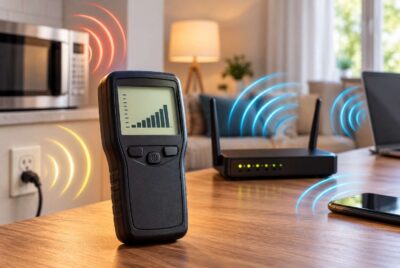
An RF-capable EMF meter can help detect radiofrequency energy within the frequencies supported by the meter. You can use it to compare the RF environment near your security camera under different conditions.
For example, begin by measuring the background RF level in the room. Your home may already contain signals from your router, phones, neighboring WiFi networks, Bluetooth devices, smart-home equipment, and other sources.
Next, position the meter at a consistent location near the camera.
Observe the reading while the camera is idle.
Then walk in front of the camera to trigger a motion event and observe what happens.
After that, open the camera’s app and activate its live-view function.
You can also repeat the experiment at different distances – for example, one foot, three feet, six feet, and across the room.
This can be a useful educational experiment because you are no longer assuming that the camera behaves the same way under every condition.
If you want to conduct this type of testing, an RF-capable meter such as the Safe and Sound Pro II RF Meter is designed to measure radiofrequency/microwave radiation within its specified measurement range.
An important caution is necessary here. A consumer EMF meter is a measurement tool. A reading on the meter should not automatically be interpreted as evidence that an exposure is dangerous or harmful. Measurements can also be affected by other RF sources in the environment, which is why controlled comparisons can be more informative than taking one isolated reading.
For example, compare the same location with the camera operating normally and then with the camera powered off. That can help you determine how much of the reading appears to be associated with the camera rather than another wireless device nearby.
Your WiFi Router Matters Too
There is another part of the security camera system that is easy to overlook: the router.
A WiFi camera needs a wireless network with sufficient signal strength to communicate reliably. If you have several outdoor cameras, you may have installed a mesh WiFi system, range extender, or additional access point to improve coverage.
That means evaluating the RF environment created by a wireless security system should not focus exclusively on the cameras.
Consider the entire network.
Where is your router located? Do you have mesh nodes throughout the house? Is an access point positioned beside a bed or desk simply because that location provided a convenient electrical outlet?
This is another reason practical placement decisions can be useful. A router does not necessarily need to sit immediately beside you to provide a good connection.
If you are interested in this subject, see our guide on How Far Should You Sleep From a WiFi Router? Safe Distance Explained for a more detailed discussion of router placement and distance.
What About Video Doorbells?
Video doorbells deserve special mention because they are essentially security cameras installed at one of the busiest locations in a home.
Depending on the product, a video doorbell may communicate with WiFi to provide live video, send notifications, upload recordings, and support two-way conversations.
However, a front-door installation also provides a natural advantage from an exposure-reduction standpoint: the device is usually located outside the living space.
Someone may walk past it several times per day, but most people are not sitting a foot away from their video doorbell for eight hours.
Again, this demonstrates why distance and time provide more context than simply counting the number of wireless devices in your home.
Are Outdoor WiFi Cameras Something to Worry About?
For people trying to prioritize which RF sources to address, outdoor cameras may be relatively easy to put into perspective.
Imagine a camera mounted high on the outside corner of your garage. You spend almost no time directly beside it.
Now compare that with your smartphone, which you may carry in your pocket, hold in your hand, place beside you on a sofa, or keep near your bed.
Both devices can use RF communication, but your relationship with each device is very different.
This does not mean you should ignore outdoor security cameras. It simply means that proximity and usage patterns matter when deciding where to focus your attention.
If your goal is reducing unnecessary wireless exposure, start with easy changes involving devices located very close to you for extended periods.
Should You Turn Security Cameras Off at Night?
Not necessarily.
A security camera may be most useful at night, which makes automatically turning every camera off before bed somewhat counterproductive.
Instead, consider the purpose and location of each camera.
An outdoor camera protecting your driveway may provide valuable security throughout the night. There may be little practical reason to disable it simply because it uses WiFi.
An indoor camera is different.
If you use an indoor camera primarily to check on pets while you are away from home, ask yourself whether you need it operating while everyone is home and sleeping.
Some cameras and smart-home systems provide privacy modes, schedules, or other controls that may allow users to customize when certain functions operate.
The key is to make the technology serve your needs rather than applying one rule to every device.
Should You Replace Your WiFi Security Cameras?
For most people, there is no reason to immediately throw away an existing wireless security camera system solely because the cameras use RF communication.
If your system works well, you can first evaluate its placement.
Are any cameras unnecessarily close to beds?
Could an indoor camera be moved several feet farther away?
Are you continuously streaming video when you do not need to?
Could your next permanent outdoor camera use Ethernet rather than WiFi?
These small decisions may be more practical than replacing an entire functioning security system.
If you eventually upgrade your system and reducing wireless devices is one of your priorities, that would be a good time to investigate wired and PoE options.
Keep WiFi Camera Radiation in Perspective
One of the most useful things you can do when learning about EMF is separate two questions that frequently get mixed together.
The first question is:
Does this device emit RF energy?
For a WiFi security camera, the answer is yes when its wireless radio is transmitting.
The second question is:
Does detecting RF from this device mean it is harming me?
That conclusion does not automatically follow from the first.
WiFi and similar wireless technologies use non-ionizing RF energy. Devices sold in the United States must comply with applicable FCC requirements for RF exposure.
At the same time, some people prefer to take reasonable steps to reduce unnecessary RF exposure in their homes. You can do that without assuming that every wireless signal represents an emergency.
That is the approach we prefer at EMFLuLu: understand the source, learn how it operates, measure when appropriate, and make practical changes when they make sense.
Conclusion: Do WiFi Cameras Emit Radiation Continuously?
Wireless security cameras do emit radiofrequency electromagnetic energy when their wireless radios communicate, but describing them as simply “radiating continuously” leaves out important context. A camera’s wireless activity can change depending on whether it is idle, detecting motion, uploading a recording, downloading an update, using two-way audio, or streaming live video.
The amount and pattern of WiFi camera radiation can therefore vary by camera model, network design, settings, and what the camera is doing at a particular moment.
If you want to reduce unnecessary wireless exposure, you do not necessarily need to give up the convenience and security these cameras provide. Start with straightforward steps: increase distance from frequently occupied areas, avoid placing cameras immediately beside beds or desks, consider wired or PoE cameras when installing permanent equipment, and review whether your cameras need to be actively streaming or connected in every situation.
And if you want to know what is actually happening around a particular camera, measuring the RF environment under different operating conditions can be much more informative than guessing.
Wireless technology is now built into many of the devices we use every day. Understanding how those devices communicate – and making thoughtful choices about where and how we use them – is a practical way to approach EMF without unnecessary fear.
Before You Go…
Get Weekly EMF Protection Tips
Enjoy this article? Join the EMFLuLu newsletter for simple weekly tips to reduce everyday EMF exposure from phones, WiFi routers, laptops, and smart home devices.
Try Our Free EMF Calculators
Curious how much EMF exposure you may experience each day?
These simple tools can help you estimate your exposure and identify possible problem areas in your home.
Try these free calculators:
Like this article? Pin it on Pinterest!

More to Explore