Using your phone as a personal hotspot can be incredibly convenient. It allows you to connect a laptop, tablet, or another device to the Internet when traditional Wi-Fi is unavailable. But because your phone is communicating with a cellular network while also providing a wireless connection to another device, it is reasonable to wonder how phone hotspot radiation compares with ordinary smartphone use. The answer is not as simple as saying that hotspot mode always produces more or less radiofrequency energy. Exposure can vary depending on signal strength, data use, distance, network conditions, and how long the hotspot remains active.
Understanding what is happening inside your phone can make the subject much easier to evaluate. A smartphone hotspot essentially turns your phone into a small wireless access point. Your phone communicates with the cellular network to obtain an Internet connection and then shares that connection with nearby devices. That means several wireless functions may be operating at the same time.
This does not automatically mean hotspot use is unsafe. It simply means the phone is performing more wireless communication than it might while sitting idle. For people who prefer to minimize unnecessary electromagnetic field exposure, there are simple ways to use a hotspot more thoughtfully without giving up the feature altogether.
What Is a Cell Phone Hotspot?
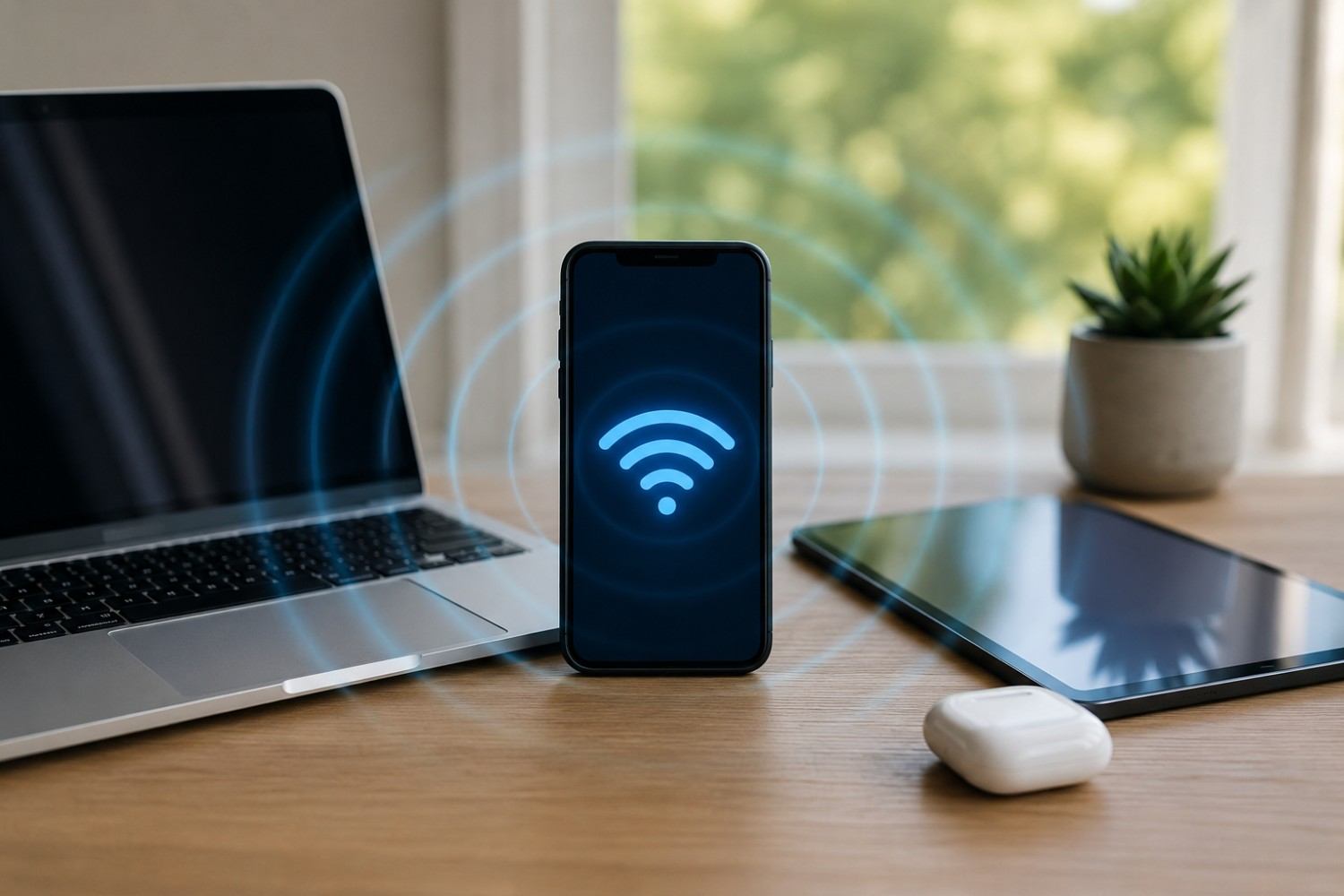
A personal hotspot allows your smartphone to share its cellular Internet connection with another device. Depending on your phone and settings, the connection can usually be shared through Wi-Fi, Bluetooth, or a USB cable.
The most common method is Wi-Fi tethering.
When you activate the hotspot feature, your phone begins acting somewhat like a portable Wi-Fi router. Your laptop or tablet connects to the phone, while the phone continues communicating with your cellular provider.
For example, imagine you are traveling and your hotel Wi-Fi stops working. You can activate the hotspot on your phone, connect your laptop to it, and continue browsing the Internet.
From the laptop’s perspective, the phone functions like a Wi-Fi access point.
From the phone’s perspective, however, two different wireless jobs may be taking place at once.
The phone communicates with a cellular tower and also communicates locally with the connected laptop.
That combination is the reason hotspot use can create a different RF environment than simply leaving a phone on a table.
What Type of EMF Does a Smartphone Produce?
Smartphones use radiofrequency electromagnetic fields to communicate wirelessly. This includes cellular communication, Wi-Fi, and Bluetooth.
Radiofrequency energy falls within the non-ionizing portion of the electromagnetic spectrum.
This distinction is important because non-ionizing radiation does not have enough energy to directly remove electrons from atoms in the same way that ionizing radiation such as X-rays can.
Your smartphone may use several wireless technologies throughout the day, including:
- Cellular networks such as 4G LTE and 5G
- Wi-Fi
- Bluetooth
- GPS-related communication
- Near-field communication features
- Background cellular data connections
These systems do not necessarily operate at maximum power all the time.
Modern smartphones constantly adjust how they communicate based on factors such as signal conditions, network requirements, data usage, and device settings.
That is why measuring RF emissions from a phone can produce very different readings from one moment to the next.
What Changes When You Turn On a Hotspot?
The primary difference is that the smartphone begins serving another device in addition to handling its own cellular connection.
If you turn hotspot mode on but nothing is connected, wireless activity may remain relatively modest.
However, once a laptop connects and begins streaming video, downloading large files, participating in a video meeting, or synchronizing cloud storage, the phone may need to transmit considerably more data.
This is where discussions about phone hotspot radiation become more useful.
The hotspot itself is not simply an on-or-off RF source operating at one fixed level. The phone’s wireless activity changes depending on what the connected devices are doing.
A laptop downloading a large software update may create more sustained data traffic than a laptop that is simply displaying a document.
Likewise, streaming a high-resolution video may generate more network activity than checking email every few minutes.
This is why it is more accurate to think about hotspot exposure as a combination of usage, signal conditions, distance, and time rather than one fixed amount of radiation.
Phone Hotspot Radiation vs. Normal Phone Use
There is no universal answer to whether hotspot mode always produces more RF energy than ordinary phone use.
The comparison depends heavily on what “ordinary use” means.
A phone sitting idle on a table may transmit relatively little data compared with a phone supporting a laptop hotspot connection.
On the other hand, a phone being used for a long video call or continuously streaming data may already be experiencing substantial wireless activity.
Consider several common scenarios.
A phone sitting idle may only periodically communicate with the network.
A phone being used to check email may transmit data in short bursts.
Streaming video can require much more continuous data transfer.
A cellular phone call requires ongoing communication.
Hotspot use can also involve substantial communication because the smartphone receives data from the cellular network and then passes that data to another device.
This is why the amount of RF activity can change from one situation to another.
Cellular Signal Strength Can Make a Big Difference
One of the most overlooked factors in smartphone RF exposure is signal strength.
Smartphones are designed to adjust their transmitting power. When the cellular connection is strong, the phone may be able to communicate effectively using less transmitting power.
When reception is poor, the phone may need to work harder to maintain a reliable connection.
This can become especially important during hotspot use because the phone may be transmitting large amounts of data for an extended period.
A hotspot being used beside a window with strong cellular reception may operate differently from the same phone being used in a basement with weak service.
Other locations that may produce weaker signals include parking garages, elevators, rural areas, large concrete buildings, and interior rooms far from windows.
If you frequently use your phone as a hotspot, it can therefore make sense to pay attention to signal quality.
Positioning the phone where reception is strong can sometimes improve Internet performance while also reducing the need for the phone to struggle to maintain communication.
Does Connecting More Devices Increase EMF?
Most smartphones allow multiple devices to connect to the hotspot simultaneously.
That does not necessarily mean every additional device automatically causes a large increase in RF emissions.
What matters more is how those devices are being used.
Imagine two different situations.
In the first situation, three devices are connected, but they are mostly idle.
In the second situation, only one laptop is connected, but it is downloading a massive file while streaming video.
The second situation could potentially involve much more data transfer.
The important factor is therefore not simply the number of connected devices.
It is the amount of wireless activity taking place.
If multiple connected devices are actively streaming, downloading, gaming, or synchronizing files, the smartphone may need to handle considerably more network traffic.
Why Distance Matters
Distance is one of the simplest variables people can control when using wireless devices.
RF energy generally becomes weaker as you move farther away from the source.
That means a phone sitting several feet away from your body usually represents a different exposure situation than a phone pressed directly against your body.
This matters because many people use hotspot mode while keeping the phone in a pocket or setting it directly beside their laptop.
That may be convenient, but the phone usually does not need to be that close.
If you want to reduce unnecessary close-range exposure while using a hotspot, there are several simple habits worth considering.
- Keep the hotspot phone off your body. Instead of leaving the phone in a pocket while tethering a laptop, place it on a nearby table, shelf, or desk.
- Create a little distance when practical. Even modest separation can reduce close-range RF exposure.
- Avoid placing the phone on your lap. A table or nearby surface is generally a more practical location.
- Avoid putting the phone directly beside your keyboard. The hotspot connection usually works perfectly well when the phone is farther away.
- Position the phone where reception is strong. A location near a window may provide better cellular reception than a central interior room.
These strategies do not require expensive accessories or specialized equipment.
They simply take advantage of distance and good device placement.
Can a Phone Stand Help?
A phone stand can be useful, but not because it blocks EMF.
Its value is much simpler.
A stand gives you a convenient place to position your phone away from your body while maintaining good cellular reception.
For example, if you frequently work from a laptop using your phone’s hotspot, you could place the phone on a stand several feet away near a window.
This may also make it easier to keep the phone plugged into a charger if hotspot use is draining the battery.
There is no need to purchase a product marketed specifically as an EMF-reducing stand.
A basic non-powered stand is usually sufficient if the goal is simply better placement.
Because there are many inexpensive generic stands available and product listings change frequently, there is no strong reason to force an affiliate recommendation into this section.
Can You Measure Phone Hotspot EMF Yourself?
People who already own an RF-capable EMF meter may find it interesting to compare their phone under different conditions.
A simple experiment can demonstrate how much RF readings vary depending on usage.
Before beginning, understand that consumer EMF meters are not medical devices and cannot determine whether a particular exposure level is safe or unsafe.
However, they can sometimes be useful for comparing relative changes.
For a simple comparison, you could try the following.
- Measure the background RF level in the room without actively using the phone.
- Place the phone in a fixed location.
- Measure while the phone is sitting idle.
- Activate hotspot mode without connecting another device.
- Connect a laptop to the hotspot.
- Begin streaming video or downloading a large file.
- Compare measurements at different distances.
You may notice that readings fluctuate significantly.
This is normal because smartphones transmit data in bursts and continuously adapt their wireless behavior.
The experiment can help demonstrate why a single reading cannot represent every possible hotspot situation.
Does Hotspot Use Create More EMF Than Home Wi-Fi?
This is another question that does not have one universal answer.
A home Wi-Fi router and a smartphone hotspot serve similar purposes, but their operating conditions can be very different.
A home router may remain active around the clock.
However, routers are often placed several feet or even several rooms away from people.
A smartphone hotspot may only be used temporarily, but people frequently place the phone very close to their bodies.
Distance can therefore make a major difference in personal exposure.
Home Wi-Fi also usually reaches the Internet through a wired cable, fiber connection, or another fixed connection.
A phone hotspot must maintain a wireless cellular connection in addition to providing the local Wi-Fi connection.
That extra cellular communication makes hotspot operation fundamentally different from a traditional home router.
Still, it would be misleading to claim that one is always better or worse.
Actual exposure depends on distance, signal conditions, network traffic, transmission power, and duration of use.
What About USB Tethering?
USB tethering can be a useful alternative to Wi-Fi hotspot mode.
With USB tethering, the smartphone connects directly to a computer through a cable.
The phone still uses the cellular network to access the Internet, but the phone-to-computer connection no longer needs to rely on Wi-Fi.
This means one wireless link can potentially be removed from the arrangement.
It is important, however, not to mistake USB tethering for a completely wireless-free solution.
The smartphone still needs to communicate with the cellular tower.
Therefore, RF emissions from cellular communication remain.
USB tethering can still be worth considering if you frequently use a laptop through your phone and do not need the convenience of Wi-Fi.
It may also provide a stable connection and keep the phone charged while it is in use.
What About Bluetooth Tethering?
Some phones also support Bluetooth tethering.
Bluetooth generally uses lower-power wireless communication than Wi-Fi, but it also provides slower data speeds.
For activities such as checking email or basic browsing, Bluetooth tethering may sometimes be adequate.
For video streaming, large file transfers, or heavy Internet use, Wi-Fi hotspot mode is generally more practical.
Bluetooth is still wireless, however.
It should not be presented as a zero-EMF option.
The best connection method depends on your needs, speed requirements, device compatibility, and personal preferences.
Affiliate Advertisement
Practical Ways to Reduce Exposure During Hotspot Use
If you use your smartphone hotspot frequently and prefer to minimize unnecessary RF exposure, there are several reasonable habits you can adopt.
These suggestions are not based on the idea that hotspot use is inherently dangerous.
They simply reduce unnecessary close-range wireless exposure while preserving the convenience of the feature.
- Move the phone away from your body. Instead of carrying an active hotspot phone in your pocket, place it on a nearby surface.
- Use strong cellular reception whenever possible. Better reception can improve performance and may allow the phone to maintain the connection more efficiently.
- Turn the hotspot off when you are finished. There is little reason to leave it active when no devices need the connection.
- Avoid unnecessary connected devices. Disconnect devices that are no longer being used.
- Consider USB tethering for long work sessions. This can eliminate the Wi-Fi connection between the phone and computer while still providing Internet access.
- Do not sleep with an active hotspot phone beside your head. If the hotspot is needed overnight, consider positioning the phone farther away.
- Reduce unnecessary data transfers. Large downloads, cloud backups, and streaming can create sustained network activity.
The easiest strategy is usually distance.
Even if you change nothing else, simply moving the phone away from your body can meaningfully change the amount of RF energy reaching you from the device.
What Happens If You Use a Hotspot for Hours?
Occasional hotspot use is different from using a smartphone as your primary Internet connection every day.
Someone who activates a hotspot for ten minutes to send an email is using the feature very differently from someone who works eight hours from a laptop connected through a phone.
Longer use means the phone may spend more time actively communicating.
Hotspot mode can also drain the phone’s battery quickly and generate noticeable heat.
The phone may become especially warm during heavy downloads, video calls, or streaming sessions.
Heat from the phone does not necessarily indicate RF exposure.
Much of the warmth comes from the processor, battery, charging circuitry, screen, and other internal electronics working harder.
Still, the heat serves as a reminder that the device is doing significantly more work than when it is sitting idle.
Is Phone Hotspot Radiation Dangerous?
This is where the discussion should remain balanced.
Smartphones produce measurable radiofrequency energy.
That does not automatically mean that using a hotspot causes harmful health effects.
Regulatory agencies and health organizations have established exposure limits for wireless devices, and commercially sold smartphones are required to comply with applicable standards.
Research examining long-term RF exposure and health continues.
Some people remain concerned about cumulative exposure or prefer to limit unnecessary wireless contact even when devices operate within established limits.
For those individuals, practical measures such as increasing distance, avoiding unnecessary body contact, and turning off wireless features when they are not needed are simple steps that do not interfere significantly with everyday life.
It is important to separate exposure reduction from claims of guaranteed health benefits.
Moving a phone several feet away can reduce close-range exposure.
That does not mean doing so has been proven to prevent a specific illness.
When Should You Pay More Attention to Hotspot Placement?
Hotspot placement becomes more relevant when the phone is being used for long periods or in situations where wireless activity may be high.
For example, you may want to think more carefully about placement when you are:
- Working remotely for several hours
- Using the phone in an area with weak cellular service
- Streaming video for long periods
- Participating in lengthy video calls
- Downloading or uploading large files
- Using your hotspot every day as your primary Internet connection
- Keeping the phone directly against your body while tethering
The goal is not to become overly concerned about every brief wireless transmission.
Instead, it can be helpful to focus on the situations where exposure is sustained and easy changes can be made.
Frequently Asked Questions About Phone Hotspots and EMF
Hotspot technology creates several common questions because the smartphone is performing more than one wireless task at the same time. The answers below help clarify what actually changes when a personal hotspot is active.
Does a Phone Emit More Radiation When Hotspot Is On?
It can, depending on how the hotspot is being used.
If the phone is actively transferring large amounts of data between the cellular network and a connected laptop, wireless activity may increase compared with a phone that is sitting idle.
However, there is no fixed increase that applies to every phone or every situation.
Does 5G Hotspot Use Create More EMF Than 4G?
Not necessarily.
Exposure depends on several variables, including network conditions, signal strength, frequency band, distance, phone design, and data traffic.
It would be overly simplistic to say that 5G hotspot use always produces more exposure than 4G.
Is It Better to Keep the Phone Away From Your Body?
If your goal is to reduce RF exposure, increasing distance is one of the simplest steps you can take.
A phone sitting several feet away usually results in less close-range exposure than a phone pressed against your body.
How Far Away Should a Hotspot Phone Be?
There is no universal distance that can be labeled a guaranteed “safe distance.”
However, RF strength generally decreases as distance increases.
If the phone still provides a reliable hotspot connection when it is several feet away, there is usually little reason to keep it directly beside you.
Does the Phone Still Transmit When Nobody Is Using the Hotspot?
Some background communication can still occur.
The phone may continue checking the cellular network and maintaining wireless connections even when very little data is being transferred.
Turning the hotspot off when you are finished is a simple way to reduce unnecessary activity and conserve battery life.
Is USB Tethering Better Than Wi-Fi Tethering for EMF?
USB tethering can eliminate the Wi-Fi connection between the phone and computer.
However, the phone still uses the cellular network.
Therefore, USB tethering may reduce one source of wireless communication but does not make the phone RF-free.
Conclusion
Using a smartphone as a personal hotspot is one of the most convenient ways to get Internet access when traditional Wi-Fi is unavailable. At the same time, hotspot mode changes the way the phone operates because it may need to maintain a cellular connection while also communicating with another device.
The amount of phone hotspot radiation you experience depends on several factors, including signal strength, data activity, distance, connected devices, and how long the hotspot remains active.
There is no need to assume that using a hotspot automatically creates a dangerous situation. However, if you prefer to minimize unnecessary RF exposure, simple habits can make a meaningful difference. Keep the phone off your body, place it farther away when practical, use strong cellular reception, consider USB tethering for longer sessions, and turn the hotspot off when you no longer need it.
The most useful approach is not fear or avoidance. It is understanding how the technology works and making reasonable choices about how and where you use it.
Before You Go…
Get Weekly EMF Protection Tips
Enjoy this article? Join the EMFLuLu newsletter for simple weekly tips to reduce everyday EMF exposure from phones, WiFi routers, laptops, and smart home devices.
Try Our Free EMF Calculators
Curious how much EMF exposure you may experience each day?
These simple tools can help you estimate your exposure and identify possible problem areas in your home.
Try these free calculators:
Like this article? Pin it on Pinterest!

More to Explore