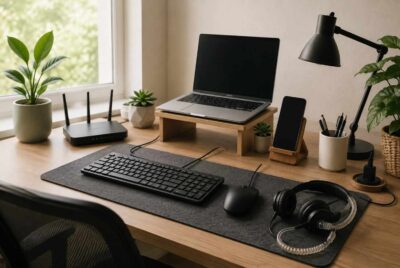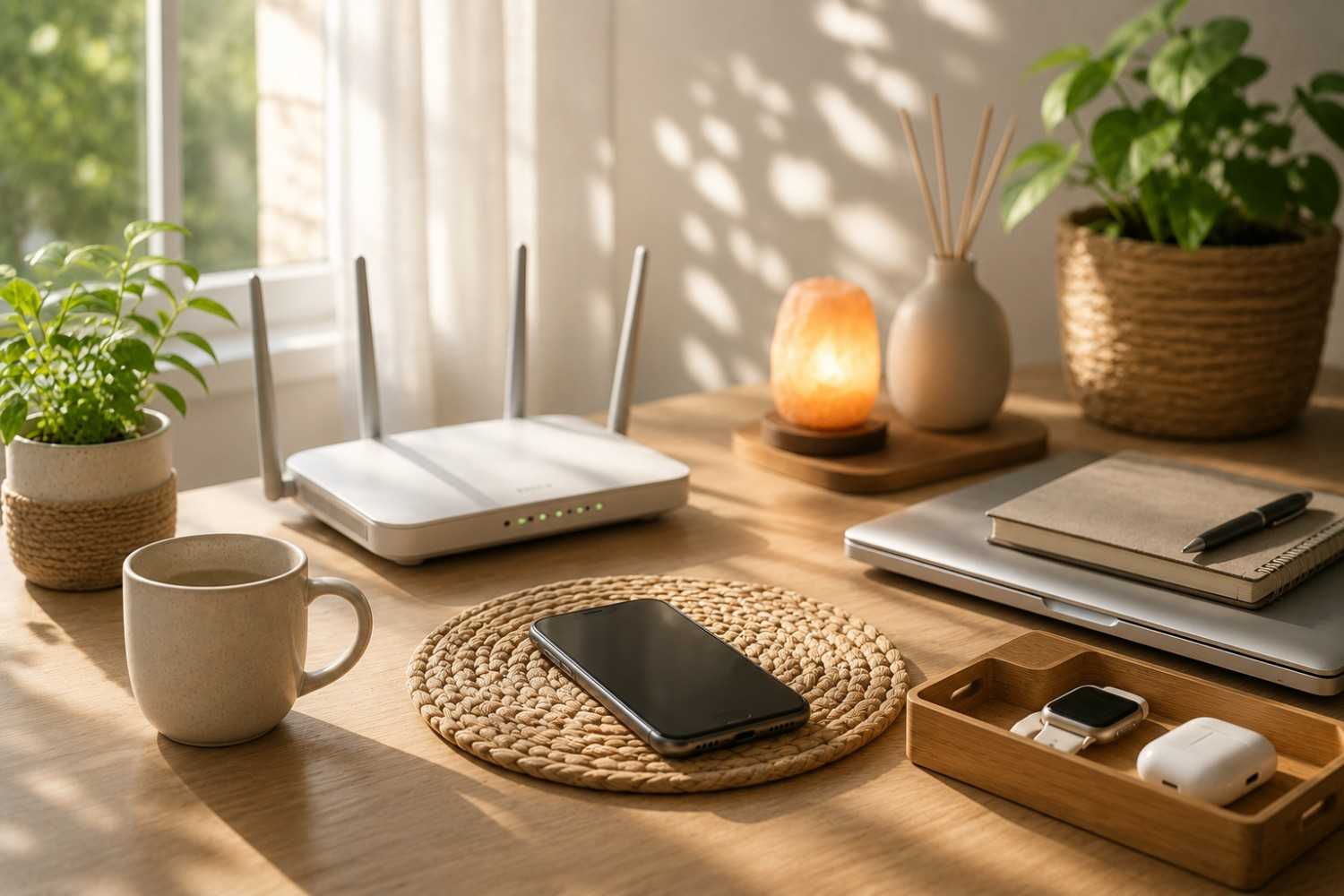
Technology has become part of nearly every aspect of modern life. Smartphones wake us up in the morning, Wi-Fi keeps our homes connected, laptops help us work efficiently, and wireless devices provide convenience throughout the day. While these technologies make everyday tasks easier, many people are also interested in practical ways to reduce unnecessary electromagnetic field (EMF) exposure without giving up the devices they rely on.
The good news is that making positive changes doesn’t have to involve expensive renovations or complicated routines. Some of the most effective habits are also the simplest. Small adjustments, repeated consistently, can become second nature and fit easily into even the busiest schedule. Whether you’re just beginning to learn about EMFs or you’ve already made a few changes around your home, these EMF reduction tips are designed to be realistic, easy to follow, and practical for everyday life.
Rather than focusing on eliminating technology altogether, the goal is to use it more intentionally. Many of the EMF reduction tips in this guide take less than five minutes to complete and may help you build healthier daily habits while maintaining the convenience of today’s connected world.
Why Small Daily Habits Matter
When people first begin researching EMF exposure, it’s easy to become overwhelmed by the number of products, opinions, and recommendations available. Some articles suggest making significant lifestyle changes, while others recommend purchasing multiple pieces of specialized equipment. Although those approaches may be appropriate for some individuals, they are not the only way to become more mindful of everyday EMF exposure.
Simple habits often provide the greatest long-term value because they are easy to repeat. A routine that takes only a minute or two each day is much more likely to become permanent than one that requires major effort or expense. Just as brushing your teeth or locking your front door eventually becomes automatic, small EMF-conscious habits can gradually become part of your daily routine.
Another benefit of starting small is that it allows you to focus on reducing unnecessary exposure rather than trying to achieve perfection. Technology serves many useful purposes, and most people are not looking to eliminate it completely. Instead, they simply want practical ways to create a little more distance from wireless devices when possible and use them more intentionally throughout the day.
The following habits are excellent places to begin because each one requires very little time while fitting naturally into routines you may already have.
Place Your Phone on a Table Instead of Carrying It in Your Pocket
One of the easiest adjustments you can make is simply changing where you keep your smartphone. Many people automatically place their phone in a front or back pocket throughout the day without giving it much thought. If you’re sitting at a desk, eating dinner, relaxing on the couch, or working from home, there’s often no reason for the phone to remain directly against your body.
Setting your phone on a nearby table, desk, countertop, or shelf creates additional distance while still keeping it within easy reach. Since EMF exposure decreases as distance increases, even moving a device a few feet away may reduce unnecessary exposure during periods when you are not actively using it.
This habit can also improve focus. Without your phone constantly pressing against your leg or vibrating in your pocket, you may find yourself checking notifications less frequently and staying engaged with the task at hand.
If you prefer an added layer of protection while carrying your phone outside the home, a quality protective case may be worth considering.
Recommended product:
The phone case is designed to fit many popular smartphone models while providing built-in shielding technology on one side. Be sure to verify compatibility with your specific phone before purchasing.
Turn On Airplane Mode While You Sleep
Nighttime is one of the simplest opportunities to reduce unnecessary wireless activity. If you use your phone as an alarm clock, you don’t necessarily have to leave every wireless function running throughout the night.
When Airplane Mode is enabled, cellular, Wi-Fi, and Bluetooth communications are typically disabled while the phone’s alarm continues to function. For many people, this small adjustment takes less than ten seconds before going to bed.
Another advantage is that enabling Airplane Mode often reduces overnight notifications and distractions. Instead of waking to late-night alerts or messages, you can enjoy a quieter sleeping environment and reconnect to your networks in the morning.
If you depend on emergency calls overnight, this approach may not be appropriate. Otherwise, it’s one of the quickest habits you can add to your evening routine.
Use Speakerphone for Longer Conversations
Most phone calls last only a few minutes, but longer conversations often involve holding the device directly against one side of your head for extended periods.
Whenever privacy allows, consider switching to speakerphone. By increasing the distance between your head and the phone, you’re changing how you interact with the device while still enjoying the same conversation.
Speakerphone can also make multitasking easier. Whether you’re preparing dinner, organizing paperwork, or working around the house, having both hands free often makes conversations more comfortable.
When speakerphone isn’t practical, another good option is using wired headphones rather than Bluetooth earbuds.
One product many people choose is:
DefenderShield Air Tube Wired Earbuds
Unlike conventional wired earbuds, air tube headphones use hollow tubes for the final portion leading to the ears, which reduces the amount of metal wiring closest to your head while still allowing you to hear your calls clearly.
Move Your Wi-Fi Router Away From Areas Where You Spend Hours
Many homes place the Wi-Fi router wherever the internet service first enters the house. Unfortunately, that location sometimes ends up directly beside a desk, entertainment center, or even inside a bedroom.
If possible, take a few minutes to evaluate where your router sits in relation to the places where your family spends the most time. Simply relocating the router to a nearby shelf, hallway, office corner, or another central location may provide better separation without noticeably affecting wireless coverage.
Every home is different, so there isn’t a perfect location for every router. The goal is simply to avoid placing it immediately beside areas where someone regularly sits for several hours each day.
If you’re curious about the wireless signals throughout your home, measuring them can provide more useful information than relying on assumptions.
A popular option is the:
Safe and Sound Pro II RF Meter
This handheld meter allows users to measure radiofrequency (RF) signals from common wireless sources, helping identify stronger signal areas and evaluate how changes in device placement affect the environment.
Download Music, Podcasts, and Videos Before Leaving Home
Streaming content has become second nature. Whether you’re listening to your favorite podcast during a morning walk or watching videos while traveling, your device is often communicating continuously with the network.
Whenever practical, consider downloading entertainment while connected to your home internet before heading out. Most major music and podcast apps offer offline listening options, and many streaming video services allow downloads for later viewing.
Besides potentially reducing continuous wireless communication during playback, downloading content ahead of time offers several additional benefits. Your device may use less battery power, you’ll avoid interruptions caused by weak cellular signals, and you won’t have to worry about using as much mobile data while you’re away from home.
This habit requires only a minute or two before leaving the house but can make travel more convenient while helping you become more intentional about how your devices connect throughout the day.
Turn Off Bluetooth When You Aren’t Using It
Many people use Bluetooth every day for wireless headphones, speakers, smartwatches, fitness trackers, keyboards, and even their vehicles. While Bluetooth technology is designed to operate at relatively low power compared to some other wireless technologies, there are plenty of times when it remains turned on even though it isn’t actively being used.
Take a quick look at your phone or tablet and ask yourself whether Bluetooth needs to be enabled right now. If you’re not connected to any accessories, turning it off takes only a few seconds. The same idea applies to laptops and tablets that may leave Bluetooth running continuously even when no devices are paired.
This isn’t about constantly turning settings on and off every few minutes. Instead, think of it as another small habit that fits naturally into your day. Perhaps you switch Bluetooth off before going to bed, after arriving home from work, or whenever you finish using your wireless earbuds.
Like many of the habits in this guide, this adjustment is less about perfection and more about reducing unnecessary wireless activity whenever it makes sense. Over time, these small routines become automatic and require almost no thought at all.
Charge Your Devices Away From Your Bed
Bedrooms have gradually become charging stations for modern life. Phones, tablets, smartwatches, wireless earbuds, and even laptops often end up on the nightstand every evening.
If possible, consider charging these devices a little farther away from where you sleep. A dresser across the room, a desk, or even a charging station just outside the bedroom can be a simple alternative if it works for your household.
Many people also discover an unexpected benefit: they’re less tempted to scroll through social media, answer emails, or check the latest headlines right before falling asleep. Instead of reaching for the phone every few minutes, bedtime can become a little quieter and more relaxing.
Of course, everyone’s situation is different. Some individuals rely on their phone for medical reasons, family emergencies, or work responsibilities. If keeping the phone nearby is necessary, even placing it a few feet farther away on a dresser rather than directly beside your pillow is a small improvement that requires almost no extra effort.
Creating a dedicated charging location also helps reduce clutter on your nightstand while making it easier to establish a consistent bedtime routine.
Send a Text Instead of Making a Call When It Makes Sense
Not every conversation requires a phone call. Many everyday exchanges involve simple questions or quick updates that can be communicated in a text message.
For example, letting someone know you’ve arrived safely, confirming a meeting time, asking a short question, or sending a shopping reminder can often be accomplished with a brief message instead of a several-minute conversation.
Texting isn’t necessarily the better choice every time. Longer discussions, emotional conversations, or topics requiring detailed explanations are usually easier over the phone. However, recognizing when a text message will accomplish the same goal is another practical habit that fits naturally into daily life.
The key is using the communication method that best matches the situation. When a quick message is all that’s needed, it saves time, avoids unnecessary interruptions, and may reduce the amount of time the phone spends next to your head.
As with many of these suggestions, balance is important. Technology exists to make communication easier, and using each feature thoughtfully allows you to enjoy its convenience while being more intentional about how you use your devices.
Keep Tablets and Laptops Off Your Lap
Tablets and lightweight laptops have made it possible to work almost anywhere. Many of us answer emails from the couch, watch videos in bed, or browse the internet while relaxing in a comfortable chair.
The problem is that convenience often leads us to rest these devices directly on our lap for extended periods.
Fortunately, changing this habit is easy. A coffee table, desk, kitchen table, or portable lap desk can provide a stable surface while creating additional distance between you and the device.
Many inexpensive lap desks also improve posture and airflow around your laptop, helping make longer work sessions more comfortable.
For those who frequently use laptops for work or school, there are also products specifically designed to provide additional shielding.
One example is the DefenderShield Universal Laptop Pad.
This portable pad is designed to sit beneath your laptop while also providing a comfortable working surface. As always, be sure to review the manufacturer’s compatibility information before purchasing.
Even if you don’t use a specialized accessory, simply choosing a nearby table instead of your lap is an easy habit that takes only seconds to adopt.
Unplug Electronics That Rarely Get Used
Many homes contain electronics that remain plugged in around the clock despite being used only occasionally. Spare phone chargers, old printers, guest room televisions, unused gaming consoles, extra speakers, and small kitchen appliances often stay connected simply because no one has taken the time to unplug them.
Every few weeks, spend five minutes walking through your home and identifying devices that rarely get used. If something hasn’t been turned on in months, ask yourself whether it really needs to remain plugged in all the time.
Besides supporting your goal of becoming more mindful about electronics, this quick exercise offers several practical benefits. It can reduce unnecessary energy consumption, free up outlet space, simplify cable management, and make your home feel a little more organized.
Some people even use labeled power strips that allow groups of devices to be switched off together when they’re not needed. This approach works especially well for entertainment centers or home offices where multiple electronics tend to accumulate over time.
As you continue incorporating these simple routines into your lifestyle, you’ll probably notice that many of them require almost no additional effort after the first few days. They simply become another part of your normal routine, much like locking the front door before leaving the house or turning off the lights before going to bed.
The beauty of these EMF reduction tips is that they focus on practical changes rather than dramatic lifestyle adjustments. Most require less than a minute, cost little or nothing, and can easily fit into even the busiest schedule.
Create a One-Minute Nighttime Device Check
Many of us have an evening routine without even realizing it. We lock the doors, turn off lights, brush our teeth, and set the alarm before heading to bed. Adding a quick device check to that routine takes very little effort and can help you become more intentional about how your electronics are used overnight.
Rather than thinking of this as another task on your to-do list, view it as a simple habit that becomes automatic after a few days. Before getting into bed, take about a minute to look over the devices you use most often.
You might switch your phone to Airplane Mode if appropriate, turn off Bluetooth if you no longer need it, place your tablet on its charger in another room, or verify that unnecessary devices are powered down for the night. The exact routine will vary depending on your household and the technology you use, but consistency is more important than perfection.
One benefit that often surprises people is how calming this routine can become. Instead of ending the day by scrolling through notifications or checking one more email, you finish by putting technology in its place and preparing your environment for a restful night’s sleep.
Don’t Carry Your Phone Everywhere Around the House
It’s surprisingly common to keep a smartphone within arm’s reach every minute of the day, even when there’s no real need for it. Many people carry their phone from room to room almost out of habit, despite spending most of their time at home.
The next time you’re making dinner, folding laundry, reading a book, or relaxing with your family, consider leaving your phone on a nearby countertop or table instead of keeping it in your pocket.
You’ll still hear it if it rings, and you’ll know exactly where it is if you need it. At the same time, you may find yourself checking it less often simply because it isn’t constantly in your hand.
This small adjustment can also encourage more mindful technology use. Rather than instinctively unlocking your phone every few minutes, you begin using it with greater purpose. Many people discover that they’re able to stay focused on conversations, hobbies, household projects, or family activities without the frequent interruptions that come from constantly handling their device.
Like many of the habits in this guide, this change isn’t about avoiding technology. It’s about creating a healthier balance between being connected and being present.
Affiliate Advertisement

Choose Wired Accessories Whenever They’re Practical
Wireless accessories have become incredibly popular because they’re convenient and easy to use. Bluetooth earbuds, wireless keyboards, wireless mice, and wireless printers have eliminated many of the cables that once cluttered our homes and offices.
However, there are still plenty of situations where wired accessories make excellent sense.
If you spend several hours working at a computer each day, a wired keyboard and wired mouse may work just as well as their wireless counterparts. Likewise, wired headphones can provide excellent sound quality for music, video meetings, and phone calls without relying on Bluetooth connectivity.
For individuals who frequently talk on the phone, one accessory worth considering is the: DefenderShield Air Tube Wired Earbuds.
These earbuds are designed with hollow air tubes for the section closest to your ears, helping reduce the amount of metal wiring near your head while still delivering clear audio. They can be a practical choice for anyone who spends significant time on voice calls or virtual meetings.
Choosing wired accessories doesn’t mean replacing everything you already own. Instead, look for opportunities where a wired option naturally fits your daily routine. Even one or two substitutions can become simple habits that require no additional effort once they’re in place.
Review Your Device Settings Once Each Week
Smartphones, tablets, and computers are packed with features, many of which continue running quietly in the background long after we forget about them.
Setting aside five minutes once a week to review your device settings can be a worthwhile habit. This doesn’t require technical expertise or special software. Simply browse through the wireless settings on your phone or tablet and check whether features such as Bluetooth, personal hotspot, Wi-Fi, or location services are enabled only when needed.
It’s also a good opportunity to review app permissions, remove applications you no longer use, and install software updates that improve security and device performance.
Many people choose to perform this quick review on Sunday evening or another consistent day each week. Pairing the task with another routine—such as planning the upcoming week or organizing your workspace—makes it easier to remember.
As these routines become familiar, you’ll likely notice that they take less time than expected while helping you stay aware of how your devices operate from day to day.
Spend Five Minutes Each Day Completely Device-Free
Perhaps the simplest habit of all is intentionally stepping away from technology for just a few minutes every day.
Five minutes may not seem like much, but it provides an opportunity to slow down and focus on something outside the digital world. You might take a short walk around your yard, enjoy a cup of coffee on the porch, stretch for a few minutes, read a chapter of a book, water your plants, or simply sit quietly and enjoy a few moments without notifications competing for your attention.
The goal isn’t to avoid technology forever. Instead, it’s to remind yourself that constant connectivity isn’t always necessary.
Many people find these short breaks refreshing. They provide an opportunity to reset mentally while also reducing overall screen time. As an added bonus, spending a few minutes outdoors or engaging in light movement can support your overall sense of well-being.
These short breaks also complement the other habits discussed throughout this article. Together, they encourage a more intentional relationship with technology rather than allowing technology to dictate every moment of the day.
Building an EMF-Friendly Routine
Reading through fifteen suggestions at once may seem like a lot, but remember that no one expects you to adopt every habit overnight. Lasting change usually happens one small step at a time.
Instead of trying to transform your routine in a single weekend, choose two or three ideas that feel easiest to implement. Perhaps you begin by placing your phone on a nearby table while working, enabling Airplane Mode before bed, and downloading podcasts before leaving home. Once those habits become second nature, you can gradually add another one or two.
This gradual approach is one reason these EMF reduction tips are so practical. They focus on realistic improvements that fit naturally into everyday life rather than requiring expensive equipment or major lifestyle changes.
If you’re interested in learning more about your home’s wireless environment before making larger decisions, a quality RF meter can be a helpful educational tool.
One highly regarded option is the: Safe and Sound Pro II RF Meter.
Rather than guessing where stronger RF signals may be present, a meter allows you to take measurements throughout your home and better understand how device placement or router location may influence the environment.
Remember, the objective isn’t perfection. Technology provides tremendous benefits, and most people will continue using smartphones, laptops, Wi-Fi, and other connected devices every day. Building an EMF-conscious lifestyle simply means using those technologies thoughtfully and making small adjustments whenever practical.
Conclusion
Living with modern technology doesn’t mean you have to ignore opportunities to be more intentional about how you use it. In many cases, the most meaningful improvements come from simple routines that take only a few seconds and quickly become part of your everyday life.
Whether you decide to leave your phone on a nearby table, charge devices away from your bed, use wired accessories when practical, or enjoy a few minutes without screens each day, each small habit contributes to a more mindful approach to technology.
The best part is that you don’t have to make every change at once. Start with one or two ideas that fit naturally into your current routine, then build from there as they become second nature. Over time, these EMF reduction tips can help you create daily habits that are easy to maintain, require very little effort, and support a more balanced relationship with the technology you use every day.
As you continue learning about EMFs, remember that knowledge and consistency often go hand in hand. Small, thoughtful actions repeated over time can make a meaningful difference, and those first few minutes each day are an excellent place to begin.
Before You Go…
Get Weekly EMF Protection Tips
Enjoy this article? Join the EMFLuLu newsletter for simple weekly tips to reduce everyday EMF exposure from phones, WiFi routers, laptops, and smart home devices.
Try Our Free EMF Calculators
Curious how much EMF exposure you may experience each day?
These simple tools can help you estimate your exposure and identify possible problem areas in your home.
Try these free calculators:
Like this article? Pin it on Pinterest!


More to Explore