Most of us set up our WiFi router wherever it’s easiest – near a cable outlet, on a desk, or tucked into a corner where it’s out of the way. It works, so we don’t think much about it again. But as more people become aware of everyday electromagnetic field (EMF) exposure, a simple question is starting to come up more often: where should you place your Wifi router for safety?
The good news is that you don’t need to overhaul your home or give up WiFi to make smarter choices. Small, practical adjustments to where your router sits can meaningfully reduce your day-to-day exposure, especially in the areas where you spend the most time. This guide will walk you through how WiFi signals behave, why placement matters, and how to choose a location that balances performance and peace of mind.
Understanding WiFi Signals and EMF
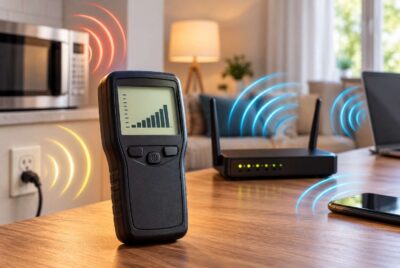
Before changing anything in your home, it helps to understand what your router is actually doing. A WiFi router emits radiofrequency (RF) energy, which is a form of non-ionizing electromagnetic radiation. This is the same general category used by cell phones, Bluetooth devices, and many smart home technologies.
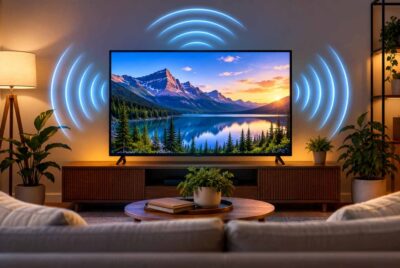
When your router is on, it sends signals outward in all directions. Think of it like a soft bubble of connectivity expanding from the device. The strongest signal – and therefore the highest level of exposure – is closest to the router. As you move farther away, the signal weakens quickly.
One important point is that walls, furniture, and floors do not completely block WiFi signals. They can weaken them, but they don’t eliminate them. This means that a router placed in one room can still affect nearby rooms, including bedrooms.
The key takeaway is simple: distance plays a major role. Even moving a router a few feet farther away from where you sit or sleep can reduce your exposure more than most people expect.
Why Router Placement Matters More Than You Think
It’s easy to assume that a single device like a router doesn’t make much difference. In reality, placement influences how often and how long you’re exposed to its signal.
Two factors matter most:
- Proximity – how close you are to the router
- Duration – how long you spend near it
When a router is placed near a couch, desk, or bed, you’re exposed for extended periods without realizing it. Over time, this adds up. Many people also have multiple devices nearby – phones, laptops, tablets – which creates what’s often referred to as “stacked exposure.”
This is why asking where should you place your WiFi router for safety is less about fear and more about awareness. By adjusting placement, you can lower unnecessary exposure without changing how you use your devices.
Worst Places to Put Your WiFi Router
Before choosing the best spot, it helps to understand where routers tend to cause the most unnecessary exposure. These are common locations people use for convenience, but they’re not ideal from a safety perspective.
Near or Inside the Bedroom
Bedrooms are where we spend long, uninterrupted hours. Placing a router on a nightstand, dresser, or just outside the bedroom wall increases continuous exposure during sleep. Even if the signal is weaker through walls, the duration makes it significant.
In a Child’s Room
Children often spend a lot of time in their rooms – sleeping, playing, or using devices. Keeping a router in this space increases exposure during important rest and development periods.
Right Next to a Desk or Workspace
If your router sits directly on your desk or within arm’s reach, you’re exposed throughout your workday. Since many people also use laptops and phones simultaneously, this becomes a concentrated exposure zone.
On Coffee Tables or Side Tables
These locations tend to be close to where people relax for long periods. A router placed at seating level, especially within a few feet, increases unnecessary proximity.
In the Kitchen or Dining Area
These are high-traffic areas where people gather frequently. Even if you’re not sitting for hours, repeated exposure throughout the day adds up.
Each of these locations shares the same issue: they combine close distance with repeated or extended use of the space.
Best Places to Put Your WiFi Router for Safety
Now that we’ve covered what to avoid, let’s look at better placement options. The goal is to reduce exposure while still maintaining a reliable connection.
Choose a Central but Less-Used Area
A central location helps distribute your WiFi signal evenly, but it doesn’t need to be in a place where people spend a lot of time. Hallways, transitional spaces, or less frequently used rooms are often ideal.
Elevate the Router
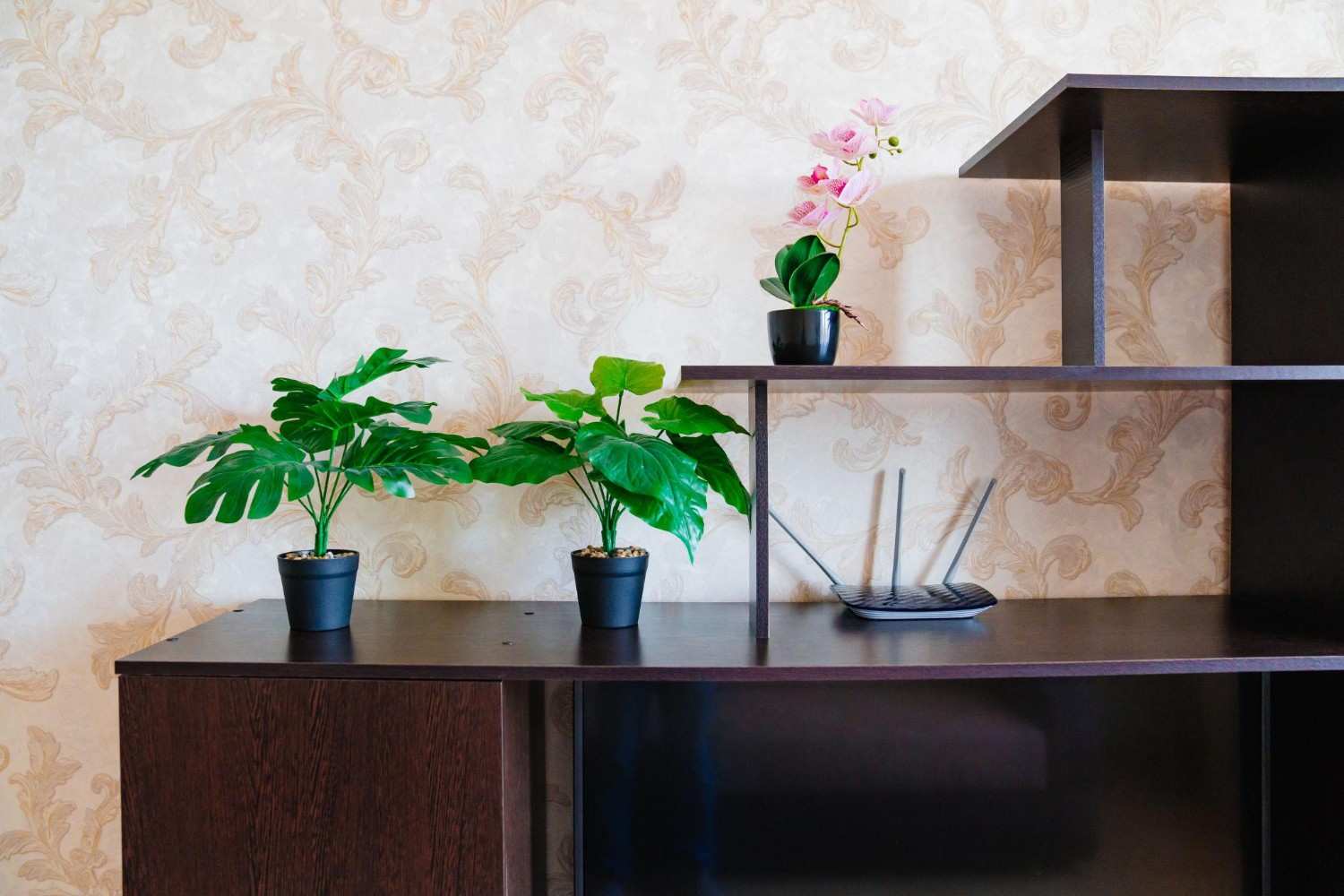
Placing your router on a higher shelf or mounting it on a wall can help direct signals outward rather than directly into your body at close range. Elevation also improves signal coverage in many cases.
Keep It Away from Sleeping Areas
If possible, position your router as far from bedrooms as your layout allows. Even moving it one room farther away can make a noticeable difference.
Avoid Direct Line-of-Sight to Sitting Areas
If your couch or desk is in a straight line from the router at close range, consider repositioning it slightly. Even small adjustments can reduce direct exposure.
Use the Edge of Your Living Space
In some homes, placing the router closer to the edge of the house – while still maintaining coverage – can reduce how much of the signal overlaps with your main living areas.
When thinking about where should you place your Wifi router for safety, the best answer is often a balance: a spot that provides good coverage but keeps distance from where you spend the most time.
Simple Adjustments That Make a Big Difference
Once you’ve chosen a better location, a few additional habits can further reduce your exposure without making life inconvenient.
One of the easiest changes is increasing distance. Even moving your router 6 to 10 feet away from your usual sitting or sleeping area can reduce exposure significantly. This is often more effective than more complicated solutions.
Another simple step is turning off your WiFi at night if you don’t need it. Many routers have timers, or you can unplug them before bed. This eliminates overnight exposure entirely.
Using wired connections when possible is another practical option. Desktop computers, gaming consoles, and even some laptops can connect via Ethernet, reducing reliance on wireless signals.
Finally, try to avoid stacking multiple devices in one spot. If your router, phone, and laptop are all within inches of you, consider spreading them out slightly. Small changes like this can add up over time.
Affiliate Advertisement

Common Myths About WiFi Router Placement
There’s a lot of mixed information online about WiFi and EMF. Clearing up a few common misunderstandings can help you make better decisions.
One common belief is that walls completely block WiFi radiation. In reality, walls reduce signal strength but don’t eliminate it. That’s why router placement still matters even if it’s in another room.
Another myth is that you need to eliminate WiFi entirely to be safe. For most people, that’s not practical or necessary. Thoughtful placement and simple habits can go a long way.
Some also assume that a single device is the main concern. In reality, it’s the combination of multiple devices and long exposure times that matters more.
Understanding these points helps you focus on practical steps instead of unnecessary extremes.
Conclusion
So, where should you place your WiFi router for safety? The answer comes down to a few simple principles: increase distance, reduce time spent near the source, and be mindful of how your home is set up.
You don’t need to make drastic changes to benefit from better placement. Moving your router out of a bedroom, elevating it on a shelf, or shifting it a few feet away from where you sit most often can all make a meaningful difference.
The goal isn’t perfection – it’s awareness. By making small, intentional adjustments, you can create a more comfortable and balanced home environment while still enjoying the convenience of modern technology.
Before You Go…
Get Weekly EMF Protection Tips
Enjoy this article? Join the EMFLuLu newsletter for simple weekly tips to reduce everyday EMF exposure from phones, WiFi routers, laptops, and smart home devices.
Try Our Free EMF Calculators
Curious how much EMF exposure you may experience each day?
These simple tools can help you estimate your exposure and identify possible problem areas in your home.
Try these free calculators:
Like this article? Pin it on Pinterest!

More to Explore