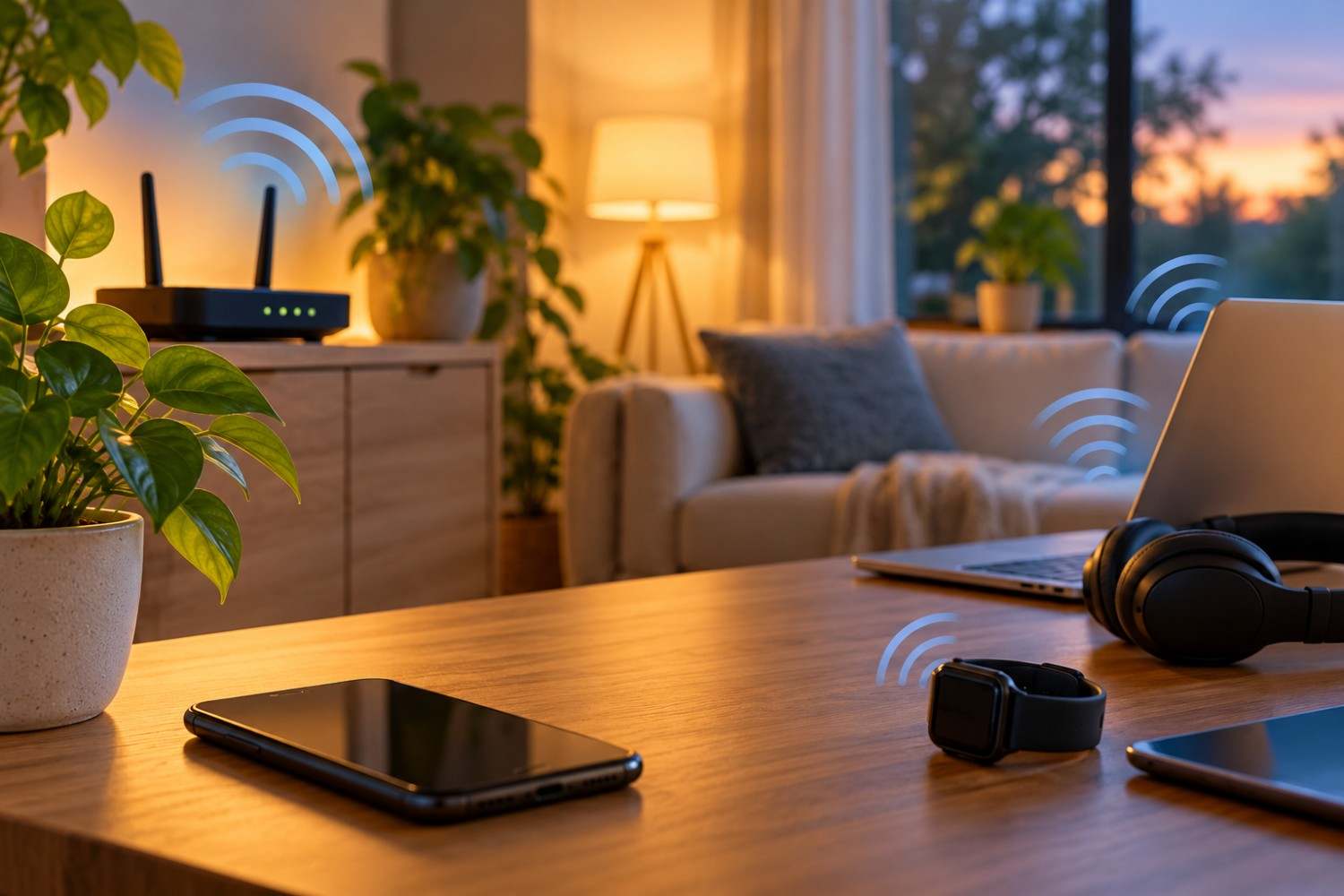
Wireless technology has become a regular part of everyday life. From smartphones and WiFi routers to smart televisions, Bluetooth headphones, and wireless security cameras, many homes contain numerous devices that communicate through radiofrequency signals. These connections make life more convenient, but they also raise questions about how much wireless exposure is necessary. If you have been wondering how to reduce EMF exposure at home, the good news is that several practical adjustments cost absolutely nothing. You do not need to replace your electronics, purchase expensive shielding products, or give up the technology you enjoy. Instead, you can make simple changes to how and when wireless devices operate. This guide explains ten free ways to reduce unnecessary wireless exposure while maintaining the convenience of a connected home.
Understanding Wireless Exposure Inside Your Home
Before making changes to your household electronics, it helps to understand what electromagnetic fields (EMFs) are and how wireless devices produce them.
An electromagnetic field is a physical field associated with electric charges and currents. EMFs exist naturally in the environment and are also produced by electrical equipment and wireless communication systems.
Wireless devices such as smartphones, WiFi routers, and Bluetooth accessories use radiofrequency (RF) electromagnetic energy to transmit information. These signals allow devices to communicate without physical cables.
Radiofrequency energy is a form of non-ionizing radiation. Unlike ionizing radiation, such as X-rays, it does not carry enough energy per photon to directly ionize atoms or molecules.
The word radiation sometimes creates unnecessary concern because people associate it with nuclear materials or medical imaging. However, radiation simply describes energy traveling through space or matter. Different types of radiation have very different properties and biological effects.
Current scientific evidence has not established that typical exposures from wireless devices operating within applicable safety limits cause adverse health effects. Health organizations continue to evaluate research, particularly regarding long-term and emerging technologies.
Nevertheless, some people prefer to minimize unnecessary exposure as a personal precaution. That can be accomplished without assuming that every wireless signal presents a health danger.
What Determines Your Level of Wireless Exposure?
Several factors influence the amount of radiofrequency energy that reaches a person.
Distance is especially important. Generally, exposure decreases as you move farther away from a transmitting device, although the exact relationship depends on the equipment, antenna design, surroundings, and other factors.
Transmission power also matters. A smartphone communicating with a distant cellular tower may transmit at a different power level than a Bluetooth keyboard communicating with a nearby computer.
Finally, the amount of time a device transmits can influence cumulative exposure. Some wireless devices communicate intermittently, while others exchange information more frequently.
Understanding these differences helps you identify practical opportunities to reduce unnecessary wireless transmissions.
10 Free Ways to Reduce Unnecessary Wireless Exposure at Home
Reducing wireless exposure does not require turning your home into a technology-free environment. Many changes involve adjusting device settings, changing where electronics are placed, or switching off wireless connections when they are not needed.
The following ten methods focus on actions you can take immediately, without purchasing additional equipment.
1. Turn Off Your WiFi Router When You Do Not Need It
Your WiFi router is one of the primary sources of wireless communication inside your home. It allows smartphones, computers, televisions, tablets, and other connected devices to access your home network.
A router generally continues transmitting wireless management signals even when nobody is actively browsing the internet. These transmissions help devices discover the network and maintain connectivity.
One straightforward way to reduce unnecessary wireless emissions is to turn off your router’s WiFi function during periods when nobody needs it.
For example, if everyone in your household is asleep and no connected devices require internet access, you could switch off WiFi overnight.
Some routers allow users to create wireless schedules through their administrative settings. Others have a physical WiFi button that disables the wireless radio without turning off the entire router.
If your router does not offer either option, switching off the device completely is another possibility.
However, remember that turning off the router can interrupt internet-dependent equipment, including security cameras, smart thermostats, home monitoring systems, and certain telephone services.
It is also important to distinguish between switching off WiFi and switching off the internet connection. Some routers allow wired Ethernet connections to remain active while wireless broadcasting is disabled.
The purpose is not to suggest that an operating WiFi router is inherently dangerous. Rather, switching off an unused wireless connection is a simple way to eliminate transmissions that serve no immediate purpose.
2. Keep Your Smartphone Away From Your Bed
Many people sleep with their smartphones on a nightstand, underneath a pillow, or directly beside their heads.
Smartphones can communicate with cellular networks and WiFi systems while sitting idle. They may also use Bluetooth connections, depending on their settings and connected accessories.
Although the frequency and strength of these transmissions vary, placing your phone farther away from your sleeping position generally reduces your exposure to emissions originating from that device.
An easy adjustment is to move your phone to a dresser, desk, or another location away from your bed.
If you use your phone as an alarm clock, you can usually keep it within hearing distance without placing it directly beside your pillow.
Another option is to enable airplane mode before going to sleep, provided you do not need cellular communication during the night.
Be aware that airplane mode can prevent ordinary calls and messages from reaching your phone. This may not be suitable if you need to remain available for emergencies, family members, or work responsibilities.
Additionally, some phones allow WiFi and Bluetooth to remain enabled or be reactivated while airplane mode is on.
For that reason, it is worth checking the individual wireless settings rather than assuming that airplane mode automatically disables every transmitter.
Moving your phone away from your bed is free, requires very little effort, and does not prevent you from using it normally during the day.
3. Use Airplane Mode When Wireless Connections Are Unnecessary
Airplane mode is a useful feature that many people associate exclusively with air travel.
However, it can also be used at home whenever you want to temporarily disable cellular communication.
For example, imagine that you are reading a downloaded book, reviewing saved documents, or listening to music stored directly on your phone.
These activities do not necessarily require an active cellular connection.
By enabling airplane mode, you can stop the phone from transmitting through its cellular radio while continuing to use many offline features.
The exact behavior of airplane mode depends on your device and operating system. WiFi and Bluetooth may remain available, and some devices remember whether you previously enabled those connections while airplane mode was active.
If your goal is to disable all three wireless connections, check cellular, WiFi, and Bluetooth settings individually.
It is also important to remember that airplane mode does not eliminate every electromagnetic field produced by a smartphone. The device still contains electrical circuits, a processor, a display, and other components that operate while it is powered on.
Airplane mode is therefore best understood as a way to reduce certain wireless transmissions rather than a method of eliminating all EMF emissions.
For people interested in how to reduce EMF exposure at home without changing their daily routines significantly, this is one of the easiest settings to use.
4. Move Your WiFi Router Away From Frequently Occupied Areas
The location of your WiFi router can influence how much radiofrequency energy reaches people in different parts of your home.
A router positioned directly beside a desk chair, couch, or bed may create higher exposure at that particular location than the same router placed farther away.
Fortunately, you may be able to change its position without purchasing anything.
For example, if your router currently sits on a nightstand beside your bed, consider moving it to another available location in the room or an adjacent area.
Similarly, a router sitting directly beside your usual workspace could potentially be relocated to a nearby shelf.
Increasing the distance between yourself and a transmitting device generally reduces the strength of the signal reaching your body.
However, router placement requires some balance.
Moving a router too far from connected devices can weaken WiFi reception. In some circumstances, connected devices may respond to weaker signals by increasing their own transmission power or communicating less efficiently.
For this reason, it is not necessarily helpful to place your router in the most distant corner of your house.
A practical approach is to choose a location that provides reliable wireless coverage without positioning the router immediately beside an area where someone spends many hours.
You can also consider whether your router is unnecessarily close to a chair, sofa, or sleeping area.
A modest relocation may accomplish your goal without affecting internet performance.
5. Use Existing Wired Connections Instead of WiFi
Wireless connections are convenient, but some household devices can communicate through physical cables instead.
Desktop computers, certain laptops, gaming consoles, and smart televisions may support Ethernet connections.
Ethernet cables transmit network data through a wired connection, allowing compatible devices to access your network without relying on WiFi.
If you already own an Ethernet cable and your equipment has the necessary ports, switching to a wired connection may cost nothing.
For example, a desktop computer located near your router could connect directly through Ethernet rather than using its wireless network adapter.
Once the wired connection is working, you can disable WiFi on the computer if you no longer need it.
This prevents that particular device from transmitting through its WiFi radio.
However, connecting an Ethernet cable does not automatically disable wireless communication on every device. Some computers and televisions may keep their WiFi functions enabled until you change the settings manually.
It is also worth distinguishing between radiofrequency exposure and other electromagnetic fields.
A wired computer still produces electric and magnetic fields associated with its electrical components. Ethernet simply replaces one method of wireless communication with a physical connection.
For households that already have compatible equipment, using existing wired connections is a practical option that can also provide a stable network connection.
6. Turn Off Bluetooth When You Are Not Using It
Bluetooth technology allows devices to exchange information over short distances.
Common examples include wireless headphones, computer keyboards, mice, speakers, fitness trackers, and smartphone accessories.
Bluetooth generally operates at relatively low transmission power, although power levels vary by device and Bluetooth class.
Because many accessories connect automatically, it is easy to forget that Bluetooth is enabled.
If you are not using Bluetooth accessories, you can switch off the Bluetooth function on your smartphone, tablet, or computer.
On most devices, this setting is available through a quick-access menu or the main settings application.
For example, if you use Bluetooth headphones only during your morning walk, you may not need Bluetooth enabled on your phone throughout the rest of the day.
Similarly, a laptop that is not connected to any Bluetooth accessories may not need to keep its Bluetooth radio active.
Turning Bluetooth off can eliminate transmissions from that radio while it remains disabled.
However, the reduction in total household exposure may be small because Bluetooth devices typically transmit at lower power than many cellular devices.
You should also consider whether Bluetooth supports important equipment, such as medical devices or accessibility accessories, before disabling it.
The goal is simply to avoid leaving wireless features active when they provide no benefit.
7. Review Wireless Smart-Home Devices You Rarely Use
Modern homes increasingly contain electronics that connect to wireless networks automatically.
Smart speakers, security cameras, wireless printers, streaming devices, televisions, and connected appliances may communicate with a router or other devices even when they are not being actively used.
Some transmit only occasionally, while others maintain more frequent network communication.
One useful household project is to review which connected devices you actually need.
Start by opening your router’s connected-device list, if that feature is available. Many routers display the names or identifiers of devices currently connected to the network.
You may discover an older tablet, unused smart speaker, or other device that no longer serves a useful purpose.
If a device is no longer needed, you can disconnect it from WiFi, disable its wireless features, or switch it off.
For example, a smart television that you use exclusively with an existing wired connection may not need its WiFi radio enabled.
Likewise, an unused wireless printer does not necessarily need to remain powered on throughout the day.
Be cautious about disconnecting equipment that performs an important function.
Security cameras, smoke alarms, medical monitoring devices, and other safety-related systems may depend on continuous connectivity. Do not disable those connections without understanding the consequences.
Reviewing unnecessary smart-home connections can reduce wireless activity while also helping you understand what equipment is operating inside your home.
8. Avoid Keeping Your Phone Against Your Body Unnecessarily
Smartphones are designed to be portable, which means people frequently carry them in pockets, hold them in their hands, or place them against their ears during calls.
Because distance influences radiofrequency exposure, changing how you position your phone can make a measurable difference.
For example, using speakerphone during a call allows you to hold the phone away from your head rather than pressing it directly against your ear.
Similarly, placing your phone on a table while watching a video can increase the distance between the transmitting device and your body.
If you are downloading a large file or streaming content, you may prefer to place the phone on a nearby surface rather than keeping it against your body.
The benefit depends on whether the phone is transmitting, its transmission power, and the distance involved.
A phone that is not actively transmitting may contribute much less radiofrequency exposure than one making a call or transferring data.
It is also important to avoid making unrealistic assumptions. Carrying a phone in your pocket does not automatically mean that you are experiencing a dangerous level of exposure.
The practical principle is simply that increasing distance generally reduces exposure from the device.
Using speakerphone, setting your phone on a desk, and avoiding unnecessary body contact are free adjustments that can become ordinary habits.
Affiliate Advertisement

9. Make Phone Calls Where Cellular Reception Is Strong
Your smartphone adjusts its communication with nearby cellular towers to maintain a reliable connection.
When reception is strong, the phone may be able to communicate using relatively low transmission power.
When reception is poor, it may increase transmission power to maintain the connection.
This means that two phone calls of similar duration can involve different levels of radiofrequency transmission.
For example, a call made in a location with weak cellular reception may cause your phone to operate differently than a call made where the signal is strong.
If you regularly experience dropped calls or extremely weak reception in a particular room, consider making calls in another location with better service.
A room near a window may offer improved reception in some homes, although building materials, tower locations, and network conditions all influence signal strength.
You can also use speakerphone when practical, allowing greater distance between your phone and your head.
Remember that the number of signal bars displayed on your phone is only a rough indication of reception quality. It does not directly measure your radiofrequency exposure.
Strong reception does not guarantee that every transmission will occur at the lowest possible power, but avoiding consistently poor-signal locations is a reasonable practical measure.
This approach requires no additional equipment and may improve call quality at the same time.
10. Switch Off Wireless Features on Devices You Use Offline
Many electronic devices include wireless capabilities even when those features are not necessary for their primary function.
Examples include smart televisions, gaming consoles, tablets, laptops, and some household appliances.
A television connected to a cable box or external media player may not need its own WiFi connection for certain activities.
A gaming console used for offline games may not need to remain connected to a wireless network throughout the session.
Similarly, a tablet used to read downloaded books or view saved photographs may function perfectly well with wireless connections disabled.
One practical approach is to review the network settings on devices you regularly use.
Look for options to disable WiFi, Bluetooth, or other wireless connections when they are unnecessary.
Some devices also offer power-saving or offline modes that limit network activity.
However, standby mode does not necessarily stop wireless transmissions. Certain devices continue checking for updates, communicating with other electronics, or maintaining network connections while appearing inactive.
If your goal is to stop wireless communication, verify that the relevant connection is actually disabled.
Also remember that disconnecting devices from the internet may prevent software updates, remote-control features, or other functions from working until connectivity is restored.
The objective is not to disable useful technology permanently. It is to choose when wireless communication is necessary and when it can be switched off.
Which Free Changes Make the Biggest Difference?
Not every wireless device contributes equally to your personal exposure, and not every household adjustment will have the same effect.
For example, moving a smartphone away from your head during a cellular call can substantially reduce radiofrequency exposure to your head. By comparison, disabling an unused Bluetooth connection may produce a smaller change because Bluetooth typically operates at relatively low power.
The most useful changes often involve increasing distance from a transmitting device or stopping transmissions that are not needed.
If you are deciding where to begin, the following comparison can help you identify practical adjustments based on your current habits.
| Free adjustment | Main benefit | Convenience |
| Use speakerphone | Increases distance from the phone during calls | Very easy |
| Enable airplane mode | Stops cellular transmissions | Easy when offline |
| Move phone away from bed | Increases distance during sleep | Very easy |
| Disable unused WiFi | Stops transmissions from that WiFi radio | Easy with scheduling |
| Use existing Ethernet | Eliminates the need for WiFi on that device | Easy if already available |
| Turn off unused Bluetooth | Stops unnecessary Bluetooth transmissions | Very easy |
The actual reduction depends on your devices, their settings, and how you use them. The table is not a ranking of health benefits.
For most households, it makes sense to begin with changes that are easy to maintain rather than creating complicated routines that interfere with daily activities.
Do You Need to Buy EMF Protection Products?
When researching how to reduce EMF exposure at home, you may encounter advertisements for shielding fabrics, phone accessories, specialized clothing, and other products marketed as EMF protection.
Some products are designed to block or attenuate electromagnetic fields under particular conditions. However, their effectiveness depends on factors such as the frequencies involved, material properties, product design, and how the product is used.
It is important not to assume that every product advertised as EMF protection delivers meaningful real-world exposure reductions.
For example, a product that partially blocks a smartphone’s signal could potentially cause the phone to adjust its transmission power while attempting to maintain connectivity. That makes real-world performance more complicated than simply placing a shielding material between a phone and your body.
Before spending money, consider whether a free adjustment could accomplish your objective.
Moving your phone farther away, switching off an unused wireless radio, or using an existing wired connection can reduce certain exposures without requiring a purchase.
A specialized EMF meter may be useful for someone who wants to investigate radiofrequency levels or compare different locations, but purchasing one is not necessary to follow the ten recommendations in this article.
For readers who simply want to reduce unnecessary wireless activity, free adjustments are a reasonable starting point.
Frequently Asked Questions About Reducing Wireless Exposure
People researching household EMF exposure often have questions about whether particular changes actually reduce wireless emissions. The following answers address some of the most common concerns.
Does Turning Off WiFi Reduce EMF Exposure?
Yes. Turning off a router’s WiFi function stops radiofrequency transmissions from that particular wireless radio while it remains disabled.
However, it does not eliminate all EMF exposure inside your home. Smartphones, nearby cellular networks, Bluetooth accessories, electrical appliances, and other sources may still produce electromagnetic fields.
Also, disabling your router’s WiFi does not necessarily disable separate wireless access points or cellular connections on individual devices.
Does Airplane Mode Stop All Wireless Radiation?
Not necessarily. Airplane mode generally disables cellular communication, but some devices allow WiFi and Bluetooth to remain active or be reenabled.
To minimize wireless transmissions, check the settings for each radio individually.
Airplane mode also does not eliminate electromagnetic fields produced by the phone’s internal electronics while the device remains powered on.
Is Bluetooth Exposure Lower Than Cellphone Exposure?
Bluetooth devices generally transmit at lower power than cellular phones, although actual exposure depends on the device and how it is used.
The National Cancer Institute explains that Bluetooth devices commonly transmit at power levels substantially lower than cellular phones.
A Bluetooth headset can therefore reduce radiofrequency exposure to the head compared with holding a cellular phone directly against the ear, even though the headset itself uses wireless communication.
Can You Reduce Wireless Exposure Without Buying Anything?
Absolutely. Increasing distance from transmitting devices, enabling airplane mode when appropriate, switching off unused wireless connections, and using existing wired connections can all reduce certain sources of exposure.
The most effective adjustment depends on which devices you use most frequently and how they communicate.
These steps reduce exposure, but that should not be interpreted as proof that typical wireless exposure was harmful in the first place.
What Does Current Scientific Research Say About Wireless Exposure?
A responsible discussion of wireless exposure should distinguish between reducing exposure and demonstrating a health benefit.
The two are not necessarily the same.
Wireless technologies produce non-ionizing radiofrequency energy. At sufficiently high intensities, radiofrequency energy can heat biological tissue. Exposure limits for consumer wireless equipment are designed to protect against established harmful effects.
Research continues to investigate possible long-term health effects from lower-level exposures.
The U.S. Food and Drug Administration states that the weight of scientific evidence has not linked cellphone radiofrequency radiation with health problems. The Centers for Disease Control and Prevention also acknowledges that questions about possible long-term effects remain under investigation.
In 2026, the U.S. Department of Health and Human Services requested public input on electromagnetic fields and wireless radiation to help assess scientific evidence, research gaps, and existing safety standards.
These findings do not mean that people must actively reduce every source of radiofrequency exposure in their homes.
Rather, they provide context for people who choose to make modest changes as a personal precaution.
For readers interested in practical exposure reduction, the most defensible recommendations involve reducing unnecessary transmissions, increasing distance when convenient, and avoiding exaggerated claims about wireless technology.
Conclusion: Small Changes Can Reduce Unnecessary Wireless Exposure
Learning how to reduce EMF exposure at home does not have to involve expensive products, complicated renovations, or major changes to your lifestyle.
Simple actions such as moving your smartphone away from your bed, turning off unused wireless connections, using airplane mode when appropriate, and positioning your WiFi router thoughtfully can reduce certain sources of radiofrequency exposure.
The important distinction is that reducing exposure is not the same as proving a health benefit. Current scientific evidence has not established that typical wireless exposure within applicable safety limits causes adverse health effects.
Still, if you prefer to limit unnecessary wireless activity, there is nothing complicated about choosing more intentional ways to use your devices.
Start with one or two changes that fit comfortably into your routine. You may find that reducing unnecessary wireless connections is easier than you expected, without sacrificing the technology that makes everyday life convenient.
Before You Go…
Get Weekly EMF Protection Tips
Enjoy this article? Join the EMFLuLu newsletter for simple weekly tips to reduce everyday EMF exposure from phones, WiFi routers, laptops, and smart home devices.
Try Our Free EMF Calculators
Curious how much EMF exposure you may experience each day?
These simple tools can help you estimate your exposure and identify possible problem areas in your home.
Try these free calculators:
Like this article? Pin it on Pinterest!