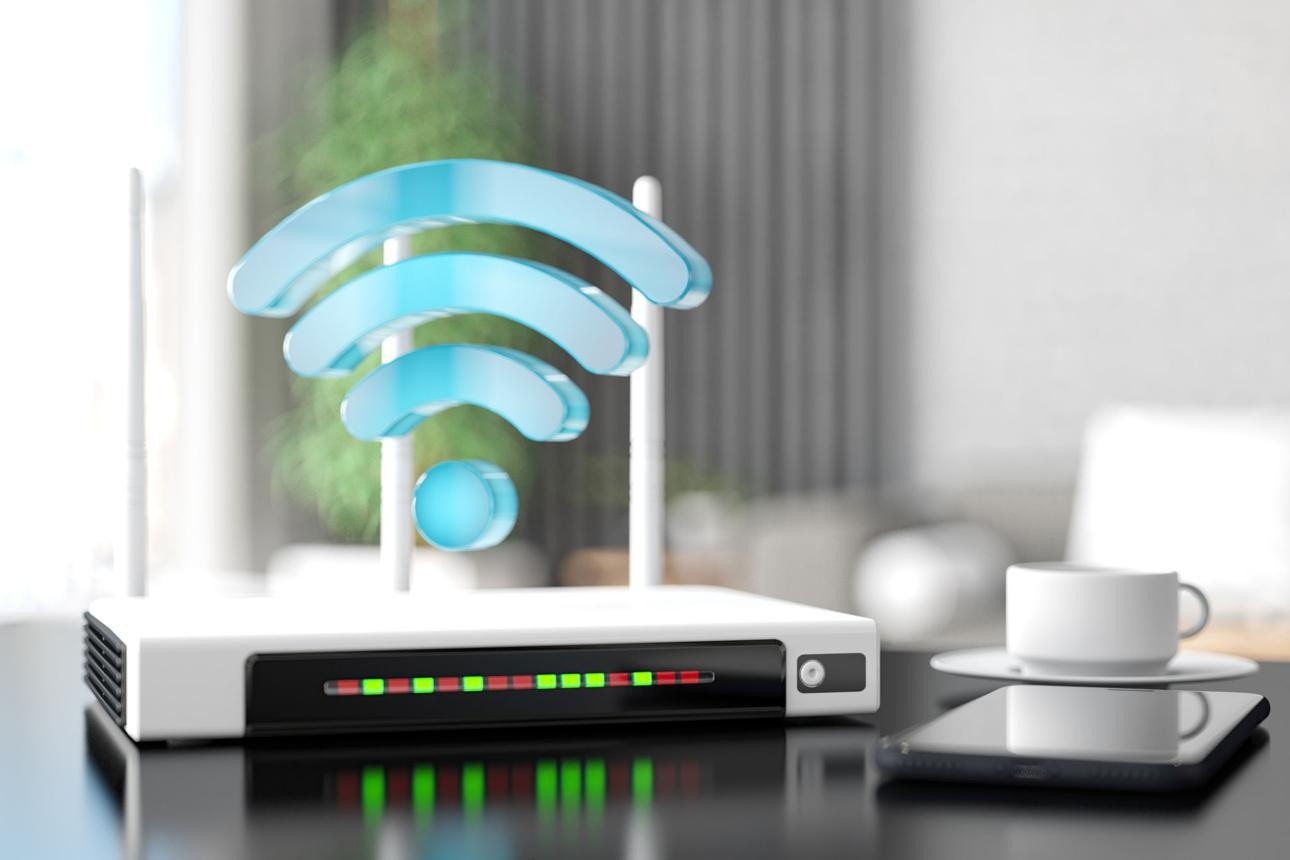
If you’ve ever placed your WiFi router in one room and then used your phone or laptop in another, you’ve probably wondered what exactly is traveling between those spaces. The signal feels invisible and effortless, yet it clearly works through barriers like walls, ceilings, and floors. That leads to a very common and reasonable question: does wifi router emit radiation through walls, and if so, how much of that actually reaches you in other parts of your home?
This question isn’t about fear – it’s about understanding how your environment works. WiFi has become part of everyday life, and most households have multiple connected devices running throughout the day. Knowing how signals behave, how they weaken, and what affects them can help you make smarter decisions about placement and usage.
The short answer is yes, WiFi signals do pass through walls. However, the strength of that signal drops significantly as it travels. The full picture is more nuanced, and once you understand it, you’ll see that small adjustments can go a long way in managing your exposure while still enjoying reliable internet.
What Type of EMF Do WiFi Routers Emit?
Before getting into how signals travel through walls, it helps to understand what kind of energy WiFi routers actually produce.
WiFi routers emit what is known as radiofrequency (RF) electromagnetic fields. This is a type of non-ionizing radiation, which means it does not have enough energy to damage DNA or alter cells in the way that ionizing radiation (like X-rays) can.
RF radiation is also used by:
- Cell phones
- Bluetooth devices
- Television and radio broadcasts
In simple terms, your router is constantly sending out low-level signals to communicate with devices like your phone, laptop, or smart TV. These signals are designed to spread throughout your home so your devices can stay connected.
Understanding this helps frame the rest of the discussion. The question is not just whether radiation exists – it’s how it behaves, how far it travels, and how strong it is by the time it reaches you.
Do WiFi Signals Actually Travel Through Walls?
Now to the core question: does wifi router emit radiation through walls in a way that meaningfully affects other rooms?
Yes, WiFi signals do travel through walls. That’s exactly why you can use your internet connection from different parts of your home. However, each barrier the signal passes through reduces its strength.
This weakening process is called attenuation. As the signal moves outward from the router, it spreads and loses energy. When it encounters obstacles like walls, furniture, or floors, it loses even more strength.
The type of material matters quite a bit:
- Drywall allows signals to pass with only moderate reduction
- Wood reduces the signal slightly more
- Brick and concrete cause a noticeable drop in strength
- Metal can block or reflect signals significantly
So while the answer to whether WiFi travels through walls is clearly yes, the more important detail is that what reaches the other side is much weaker than what exists near the router.
How Much EMF Reaches Other Rooms?
Understanding how much signal actually reaches you is where things become practical.
WiFi signals do not maintain the same strength as they travel. They weaken quickly with distance. A router that is five feet away from you produces a much stronger exposure level than one that is twenty or thirty feet away, especially with walls in between.
Think of it like light from a lamp. The closer you are, the brighter it feels. As you move farther away or place objects in between, the intensity drops.
In a typical home:
- A router in the same room produces the highest exposure
- A router in an adjacent room produces much less
- A router across the house or on another floor produces significantly less
Walls add another layer of reduction on top of distance. So even though the signal is technically present in another room, its strength is often much lower than people assume.
This is why placement matters so much. Small changes in distance can have a meaningful impact on how much signal reaches your body over time.
What Affects WiFi EMF Through Walls the Most?
To really understand how WiFi behaves in your home, it helps to look at the main factors that influence signal strength. These are the variables you can often control or adjust.
Distance from the Router
Distance is the most important factor. The farther you are from the router, the weaker the signal becomes. Even moving a router ten to fifteen feet away from a frequently used area can reduce exposure noticeably.
Type of Wall Material
Not all walls are equal. A standard drywall partition will allow much more signal through than a thick concrete wall or a brick exterior. Homes built with heavier materials tend to reduce signal strength more effectively.
Router Power and Settings
Some routers broadcast stronger signals than others. Higher-powered routers are designed to cover larger areas, which can mean stronger signals traveling through walls.
Number of Connected Devices
Each connected device communicates with the router, creating additional bursts of signal activity. A home filled with smart devices may experience more overall RF activity compared to a simpler setup.
Router Placement
Where you place your router has a direct impact on how signals spread. A router placed in a central, open area distributes signals more evenly, while one placed in a corner or basement may push signals through walls to reach other parts of the house.
Is WiFi Through Walls Something to Worry About?
This is where perspective matters.
For most households, the signal that reaches other rooms is significantly reduced compared to what exists near the router. That means exposure in those areas is lower by default.
At the same time, some people prefer to take a precautionary approach. Not because WiFi is dangerous in a clear or immediate sense, but because reducing unnecessary exposure is simple and often easy to do.
It helps to think of this as awareness rather than concern. Once you understand how signals behave, you can make informed decisions without overcomplicating your setup.
Affiliate Advertisement

Simple Ways to Reduce Exposure Without Losing WiFi
The good news is that you don’t need to make drastic changes to reduce your exposure. A few small adjustments can make a noticeable difference while keeping your internet fully functional.
One of the most effective strategies is simply increasing the distance between you and your router. If your router is currently in a bedroom or right next to a seating area, moving it even a short distance away can reduce exposure levels.
Another easy step is turning off your WiFi at night. Since most people are not actively using the internet while sleeping, this creates a natural break in exposure.
A simple solution for this is using a timer:
BN-LINK 24 Hour Plug-in Mechanical Timer – This allows you to automatically shut off your router during sleeping hours and turn it back on in the morning without needing to remember.
You can also reduce exposure by using wired connections for devices like desktop computers or smart TVs. This minimizes the need for constant wireless communication.
Optional Tools for Added Control
For those who want a deeper level of awareness or control, there are additional tools available. These are not required, but they can provide extra insight or convenience.
If you’re curious about the actual levels of RF energy in your home, a meter can be helpful:
Safe and Sound Pro II RF Meter – This type of device allows you to measure signal strength in different areas, which can help you understand how much the signal drops from room to room.
The key takeaway is that the most impactful steps are still the simplest ones – distance, placement, and usage habits.
Best Placement for a WiFi Router in Your Home
Where you place your router plays a major role in both performance and exposure.
Ideally, a router should be placed in a central location so it can distribute signal evenly throughout the home. At the same time, it’s helpful to avoid placing it directly in areas where people spend long periods, such as bedrooms or main seating areas.
Elevating the router slightly, such as placing it on a shelf rather than the floor, can also improve signal distribution.
Even though WiFi signals travel through walls, thoughtful placement can reduce unnecessary exposure while still maintaining strong connectivity where you need it.
Conclusion
So, does wifi router emit radiation through walls? Yes, it does. WiFi signals are designed to pass through walls so your devices can stay connected across different rooms. However, those signals lose strength quickly as they travel, especially when distance and building materials come into play.
The important takeaway is not just that signals exist, but how much they weaken. In most cases, the exposure in rooms farther from the router is significantly lower than in the same room.
With a basic understanding of how WiFi works, you can make simple adjustments – like moving your router, increasing distance, or turning it off at night – that give you more control over your environment without sacrificing convenience.
It’s not about eliminating WiFi. It’s about using it in a way that makes sense for your home and your daily habits.
Before You Go…
Get Weekly EMF Protection Tips
Enjoy this article? Join the EMFLuLu newsletter for simple weekly tips to reduce everyday EMF exposure from phones, WiFi routers, laptops, and smart home devices.
Try Our Free EMF Calculators
Curious how much EMF exposure you may experience each day?
These simple tools can help you estimate your exposure and identify possible problem areas in your home.
Try these free calculators:
Like this article? Pin it on Pinterest!

More to Explore