
Remote work has transformed how we live and work. For many people, the home office has become a full-time environment filled with laptops, monitors, WiFi routers, smartphones, and wireless accessories. While this technology enables flexibility and productivity, it also introduces a question that more remote workers are beginning to ask: how to reduce EMF exposure in a home office without sacrificing efficiency or comfort.
Electromagnetic fields (EMFs) are an unavoidable part of modern life, especially in technology-dense workspaces. The goal is not to eliminate EMFs entirely, which is unrealistic, but to understand where exposure comes from and how to manage it intelligently. This guide is designed for remote workers who want practical, science-aware strategies to reduce unnecessary exposure while maintaining a functional, high-performance home office.
Why Home Offices Often Create Higher EMF Exposure
Home offices differ from traditional workplaces in one important way: proximity. In a corporate office, networking equipment is usually housed in separate rooms, and desks are spaced farther apart. At home, everything tends to be closer. Routers are often placed on bookshelves or desks, laptops sit directly on the body, and power supplies cluster under workstations.
Another factor is duration. Remote workers frequently spend eight to ten hours per day in the same physical spot, often without breaks that involve stepping away from devices. Over time, constant close-range exposure can add up, especially when multiple wireless technologies are operating simultaneously.
Understanding this context helps frame the rest of the discussion. Reducing EMF exposure in a home office is less about fear and more about thoughtful design, distance, and habits.
Common Sources of EMF in a High-Tech Home Office
Before making changes, it helps to understand where EMFs originate in a typical work-from-home setup. Exposure usually comes from several overlapping sources rather than a single device.
Laptops and desktop computers emit EMFs from internal components, power supplies, and WiFi or Bluetooth radios. When laptops are used directly on the lap or abdomen, exposure increases simply because of proximity. External monitors, docking stations, and chargers also contribute to the overall electromagnetic environment.
WiFi routers and mesh systems are another major source. These devices transmit continuously, even when no data is actively being used. When routers are placed in offices, bedrooms, or directly beside workstations, exposure levels are higher than necessary.
Bluetooth accessories such as keyboards, mice, headphones, and speakers add a steady layer of low-power wireless radiation. Individually these devices are modest, but together they increase background exposure throughout the workday.
Smartphones, often kept on desks or used for calls and messaging during work hours, further add to cumulative exposure. Power strips, surge protectors, and dense cable arrangements can also increase localized electric fields beneath desks.
Recognizing these sources makes it easier to apply targeted solutions instead of random or ineffective changes.
How to Reduce EMF Exposure in a Home Office Through Smarter Setup
The most effective way to approach EMF safety is through physical layout and equipment choices. These adjustments are practical, affordable, and often improve ergonomics at the same time.
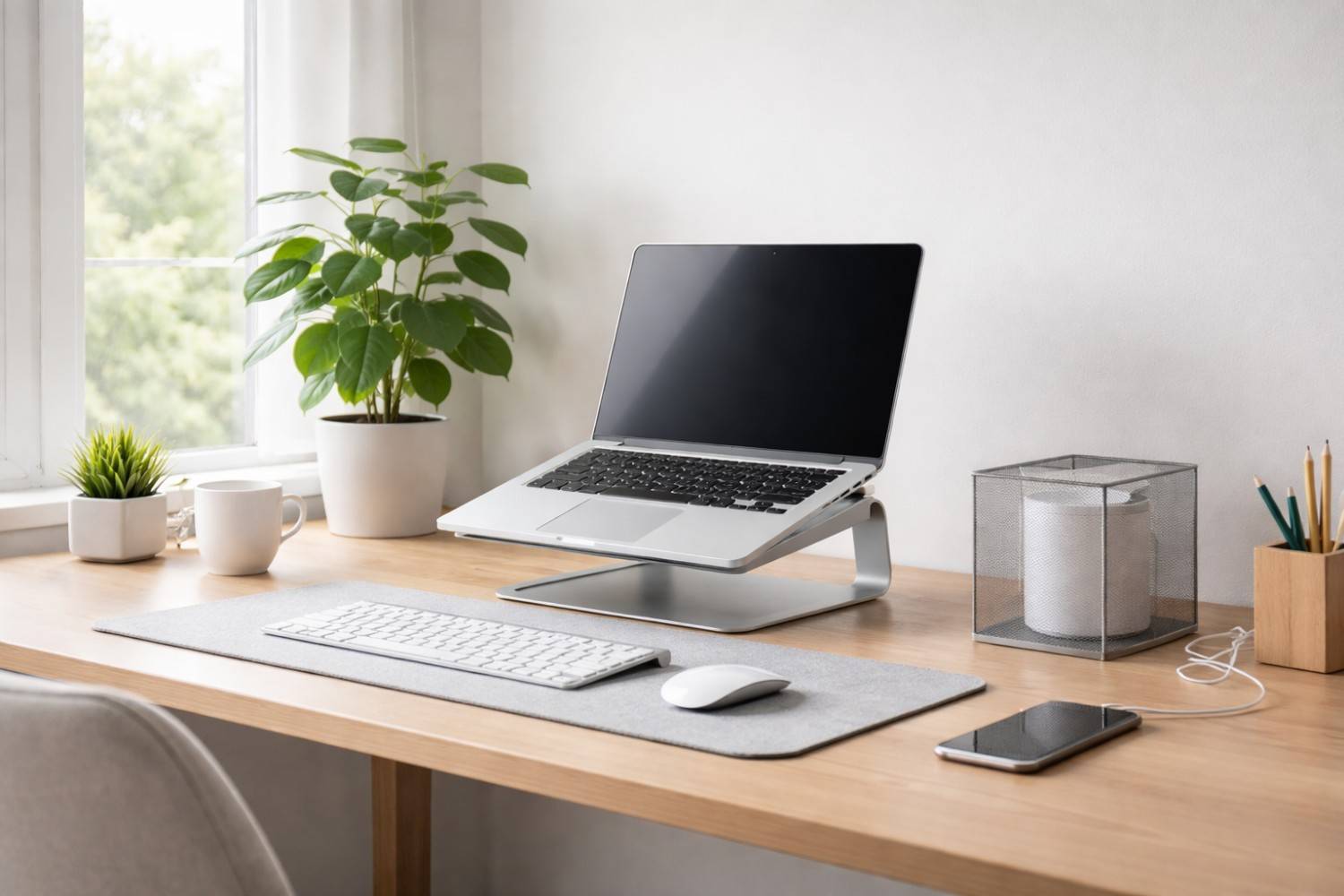
One of the simplest steps is increasing distance between the body and electronic devices. Even small changes matter. Using a laptop stand to raise the screen off the desk creates space between internal components and the torso. External keyboards and mice allow hands to move farther away from the main device, reducing direct exposure.
Switching from wireless to wired accessories where possible also helps. A wired keyboard, mouse, and Ethernet connection reduce the number of active wireless transmitters in the workspace. Many remote workers notice improved connection stability in addition to reduced EMF output when using Ethernet instead of WiFi.
Router placement plays a major role as well. Ideally, WiFi routers should be located several feet away from primary work and sleep areas. Placing a router in a hallway or common area rather than directly in the home office can significantly lower exposure without affecting signal quality.
Cable management is another often overlooked factor. Keeping power strips off the desk and away from feet, organizing cords neatly, and avoiding cable coils beneath seating areas all help reduce localized electric fields.
These setup changes form the foundation of how to reduce EMF exposure in a home office and should always come before considering products or accessories.
Affiliate Advertisement

Daily Habits That Lower EMF Exposure Without Disrupting Work
Once the physical setup is improved, daily habits become the next layer of protection. These habits are simple, cost-free, and easy to maintain over time.
Turning off unused wireless features is one example. If Bluetooth is not actively needed, disabling it prevents unnecessary background transmissions. Similarly, enabling airplane mode on smartphones when they are not in use reduces emissions while also limiting distractions.
Taking regular breaks away from screens serves two purposes. It lowers cumulative EMF exposure and supports eye health, posture, and mental clarity. Stepping into another room, going outside, or simply standing away from devices for a few minutes each hour can make a meaningful difference over a full workday.
Keeping smartphones off the desk when possible also helps. Phones can be stored in a bag, drawer, or placed several feet away when not needed. Using speakerphone or wired headsets for calls further reduces direct exposure to the head.
At the end of the workday, powering down equipment rather than leaving devices in standby mode reduces overnight exposure and saves energy. For many remote workers, turning off the router at night is a practical step that improves sleep quality while lowering total daily EMF exposure.
EMF-Safer Tools and Products That Support a Healthier Home Office
Once strong foundational habits are in place, certain products can help manage exposure more effectively. These tools are not substitutes for distance and wiring, but they can reduce specific exposure pathways in technology-dense environments.
For laptop users, DefenderShield EMF Laptop Shield is designed to block a portion of radiation emitted from the underside of laptops while preserving airflow and usability. It is especially useful for people who occasionally work with laptops close to the body.
WiFi routers benefit from shielding solutions that limit directional exposure without interfering with signal strength. An EMF Router Guard like the one featured here from Amazon.com is designed to reduce radiation directed into living and working spaces when routers cannot be relocated easily.
Wired connectivity remains one of the most effective ways to reduce wireless exposure. Shielded Ethernet cables, like these offered from amazon.com, help maintain fast, stable connections while reducing reliance on WiFi.
Ergonomic laptop stands provide indirect EMF benefits by increasing distance between devices and the body. Raising the laptop off the desk improves posture and airflow while reducing close-range exposure. These are listed here on Amazon.com.
These tools work best when combined with thoughtful layout and daily habits, not when used as standalone solutions.
Affiliate Advertisement

What EMF Protection Can and Cannot Do
An honest discussion about EMF safety should include realistic expectations. No product can eliminate EMFs entirely, and no single change guarantees protection. EMF exposure exists on a spectrum, and risk management focuses on reduction rather than elimination.
Distance remains the most reliable factor. The farther the body is from a source, the lower the exposure. Wired connections reduce emissions more effectively than most accessories. Shielding products are designed to block or redirect specific pathways, not to neutralize all radiation in a space.
Understanding these limitations builds trust and helps readers make informed decisions. Effective EMF safety strategies are layered, combining awareness, physical setup, habits, and selective tools.
Building a Balanced, EMF-Aware Remote Work Lifestyle
Learning how to reduce EMF exposure in a home office is not about abandoning technology or creating a restrictive environment. It is about aligning modern work demands with sensible health-conscious practices.
Remote workers who focus on distance, wiring, device placement, and daily habits often find that EMF safety naturally aligns with better ergonomics, improved focus, and healthier routines. Over time, these changes become second nature rather than burdensome adjustments.
Conclusion
A high-tech home office does not have to come at the expense of well-being. By understanding where EMFs originate and applying practical strategies, remote workers can create a workspace that supports both productivity and long-term health. From smarter layouts and wired connections to mindful daily habits and supportive tools, learning how to reduce EMF exposure in a home office is a manageable, realistic process. Small changes, applied consistently, can significantly reduce unnecessary exposure while allowing modern technology to work for you rather than against you.
Before You Go…
Get Weekly EMF Protection Tips
Enjoy this article? Join the EMFLuLu newsletter for simple weekly tips to reduce everyday EMF exposure from phones, WiFi routers, laptops, and smart home devices.
Try Our Free EMF Calculators
Curious how much EMF exposure you may experience each day?
These simple tools can help you estimate your exposure and identify possible problem areas in your home.
Try these free calculators:
Like this article? Pin it on Pinterest!

More to Explore


