
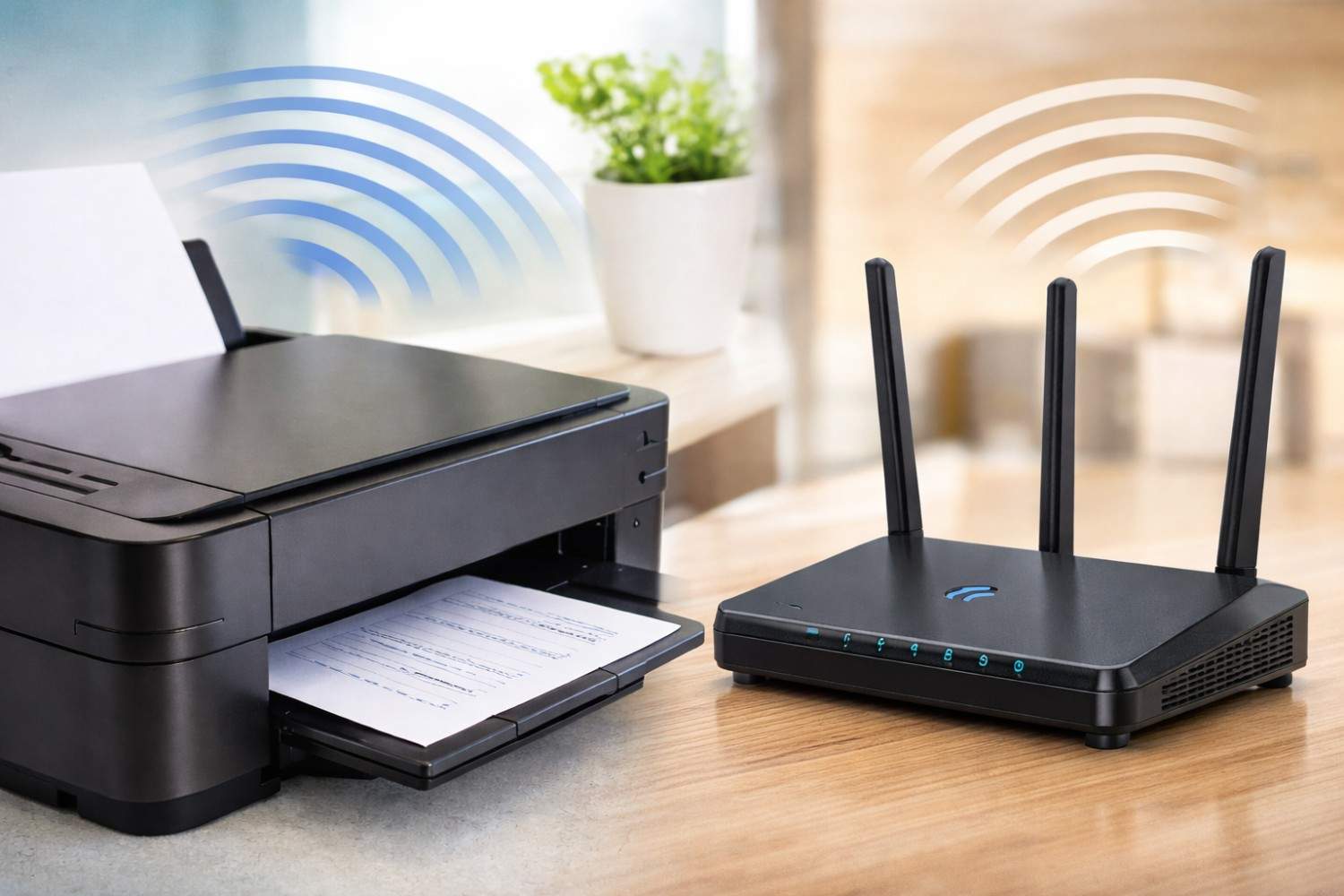
Wireless technology has quietly become a background feature of modern life. From routers tucked behind couches to smart devices scattered throughout the home, constant connectivity is now the default. When people think about electromagnetic fields (EMFs) in their homes, WiFi routers usually get most of the attention. However, a growing number of people are beginning to ask a more specific and often overlooked question: EMF exposure from wireless printers vs WiFi routers — which one actually matters more?
Wireless printers are increasingly common in home offices, schools, and workplaces. They sit close to where we work, print intermittently throughout the day, and often stay powered on 24/7. Unlike routers, printers are rarely discussed in EMF conversations, yet their placement and usage patterns may create unique exposure considerations. In this article, we’ll take a detailed, balanced look at how wireless printers emit EMFs, how they compare to WiFi routers, and what practical steps you can take to reduce unnecessary exposure without giving up modern convenience.
Understanding EMF Radiation in the Home
Before comparing specific devices, it’s helpful to understand what EMFs actually are and how they behave indoors. Electromagnetic fields are areas of energy produced by electrically powered devices and wireless transmissions. In a home environment, most EMFs fall into the category of non-ionizing radiation, meaning they do not damage DNA in the same way as X-rays or gamma rays.
WiFi routers, wireless printers, Bluetooth devices, and smart home equipment typically operate within radiofrequency (RF) ranges. These frequencies are regulated and considered low-energy, but that does not mean exposure levels are irrelevant. The key factors influencing EMF exposure are distance, duration, and transmission behavior, not just raw power output.
What often gets missed in general discussions is that exposure isn’t just about how “strong” a signal is – it’s about how close you are to it and how often it’s active.
How Wireless Printers Emit EMF Radiation
Wireless printers use radiofrequency signals to communicate with computers, phones, and networks. Most modern models rely on WiFi, though some also use Bluetooth or WiFi Direct. Unlike routers, which are designed to broadcast continuously, printers tend to emit EMFs in bursts, especially when waking from sleep mode or actively printing.
One important distinction is placement. Wireless printers are often positioned on desks, under desks, or beside workstations, which places them much closer to the body than routers, which are often mounted higher or placed further away. This proximity changes the exposure dynamic significantly.
During idle periods, printers still maintain a wireless connection to the network, periodically sending and receiving signals. When printing begins, EMF emissions temporarily increase as data is transferred. This pattern means that exposure may be lower overall than a router’s constant signal, but more concentrated during active use – especially if the printer is within arm’s reach.
How WiFi Routers Emit EMF Radiation
WiFi routers function differently from printers in one critical way: they are designed to broadcast continuously. Even when no devices are actively streaming or browsing, routers send out beacon signals multiple times per second to maintain network connectivity.
Routers typically operate at 2.4 GHz, 5 GHz, or both. These frequencies allow data to travel efficiently but also mean the router is always emitting some level of RF radiation. The good news is that router placement is often more flexible. Many households position routers in hallways, closets, or elevated shelves, increasing distance from people and reducing personal exposure.
Because routers are always “on,” they contribute to chronic background EMF exposure, whereas printers tend to contribute to intermittent localized exposure. This distinction is essential when evaluating overall risk.
EMF Exposure From Wireless Printers vs WiFi Routers: A Direct Comparison
When comparing EMF exposure from wireless printers vs WiFi routers, it becomes clear that neither device can be labeled universally “worse” without context. Each contributes to exposure in different ways.
Printers may produce higher exposure at very close range, especially when placed on a desk or directly beside the user. Routers, on the other hand, emit lower-level radiation continuously, which adds up over time. In other words, printers tend to create short-duration spikes, while routers create long-duration background exposure.
Another overlooked factor is usage behavior. People often sit within one to three feet of a wireless printer for hours, especially in home offices. Routers are usually several feet away, reducing exposure intensity due to rapid signal falloff with distance.
From a precautionary standpoint, printer EMF exposure deserves more attention than it typically receives – not because printers are inherently dangerous, but because they are often unnecessarily close to the body.
Are Wireless Printers Actually Worse Than Routers?
This question deserves a nuanced answer. Wireless printers are not inherently more harmful than routers, but they can contribute to higher personal exposure if placed improperly. Routers, while constantly active, are easier to manage through placement and scheduling.
The issue is less about which device emits more EMF in absolute terms and more about how people interact with them. A printer on a desk next to your legs or torso may expose you to higher localized EMFs than a router across the room. Meanwhile, a router in a bedroom may create more concern due to overnight exposure.
Ultimately, the most meaningful risk reduction comes not from eliminating devices, but from adjusting distance, placement, and usage patterns.
Potential Health Concerns and Sensitivity Considerations
Scientific consensus has not established definitive health effects from low-level household EMF exposure. However, many people report symptoms they associate with EMF sensitivity, including headaches, fatigue, difficulty concentrating, and sleep disturbances.
It’s important to approach this topic responsibly. Some individuals appear more sensitive to electromagnetic environments, while others experience no noticeable effects. Because long-term exposure data continues to evolve, many health-conscious individuals choose to apply the precautionary principle – reducing exposure where it’s easy and practical, even in the absence of conclusive evidence.
Wireless printers, due to their proximity, are an easy target for this kind of precautionary adjustment.
Affiliate Advertisement

How to Reduce EMF Exposure From Wireless Printers
Reducing printer-related EMF exposure does not require eliminating wireless printing altogether. Small, intentional changes can significantly lower unnecessary exposure while preserving convenience.
Before listing specific steps, it’s helpful to understand the underlying strategy: increase distance, reduce transmission time, and limit exposure during idle periods. Each suggestion below works by addressing one or more of these principles.
First, consider switching your printer to a wired Ethernet connection if your model supports it. Ethernet connections eliminate wireless transmission entirely while often providing faster and more reliable printing. This is one of the most effective changes you can make with minimal downside.
Second, reposition your printer away from your immediate workspace. Even moving it a few feet farther away can dramatically reduce exposure, as EMF intensity drops rapidly with distance. A small table or shelf in the same room is often sufficient.
Third, power down the printer when it’s not in use. Many printers stay in a semi-active wireless state even when idle. Turning the printer off completely overnight or during long breaks prevents unnecessary background emissions.
Reducing Overall Home EMF Exposure
Wireless printers don’t exist in isolation – they contribute to a broader EMF environment that includes routers, phones, laptops, and smart devices. Addressing printer exposure often leads people to take a more holistic approach.
Simple steps such as turning off WiFi at night, keeping routers out of bedrooms, and minimizing unnecessary Bluetooth usage can significantly reduce cumulative exposure. These changes are not about fear; they are about thoughtful technology use.
Affiliate Advertisement

Living With Wireless Technology – Without the Stress
Modern life depends on wireless convenience. Printers, routers, and smart devices allow us to work efficiently and stay connected. The goal isn’t to eliminate technology, but to use it intentionally.
Understanding EMF exposure from wireless printers vs WiFi routers empowers you to make simple adjustments that align with your comfort level. For most people, moving a printer, turning off devices when not in use, and being mindful of distance will provide peace of mind without disrupting daily routines.
Conclusion
When comparing EMF exposure from wireless printers vs WiFi routers, the real takeaway is not that one device is inherently dangerous, but that placement and proximity matter more than most people realize. Wireless printers are often overlooked simply because they don’t look like traditional EMF sources, yet their close placement can create higher localized exposure than a router across the room.
Before You Go…
Get Weekly EMF Protection Tips
Enjoy this article? Join the EMFLuLu newsletter for simple weekly tips to reduce everyday EMF exposure from phones, WiFi routers, laptops, and smart home devices.
Try Our Free EMF Calculators
Curious how much EMF exposure you may experience each day?
These simple tools can help you estimate your exposure and identify possible problem areas in your home.
Try these free calculators:
Like this article? Pin it on Pinterest!


More to Explore


